 (770) 874-6085


 770-874-6085
Google Maps Optimization Atlanta: How to Get More Local Leads
Last updated: September 25, 2026
Google Maps visibility depends on how well a business matches a search, how close it is to the searcher, and how prominent or well known Google understands it to be. Atlanta businesses can improve their presence by keeping an eligible Google Business Profile accurate, aligning the website with real services and locations, building genuine customer trust, and measuring qualified inquiries.
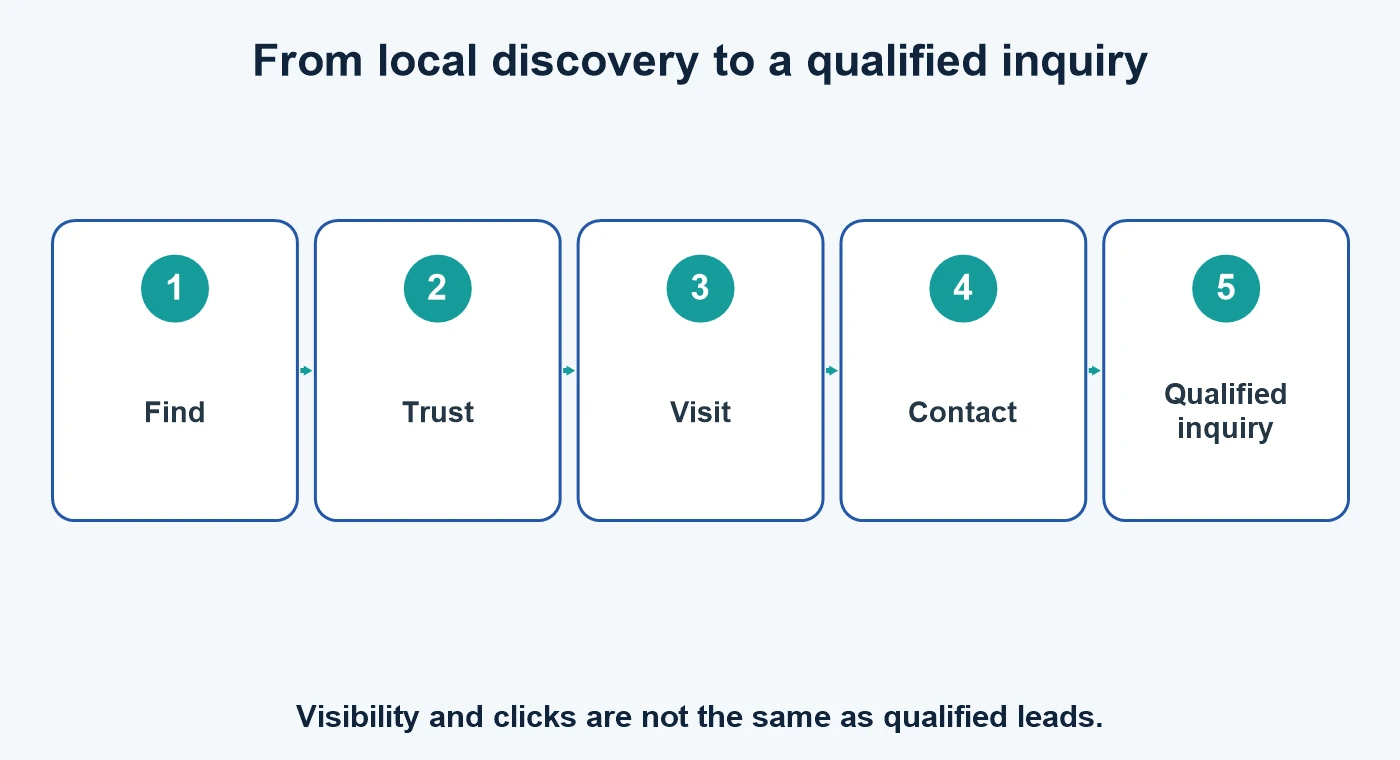
Start here: verify eligibility, correct the business information, make useful service pages easy to find, and give customers a clear way to call or contact you. These steps improve accuracy and customer experience; they do not guarantee a particular ranking.
How Google Maps local results work
Google describes local results in terms of relevance, distance, and prominence. Relevance is how well the profile matches what someone searches for. Distance reflects how far the business is from the searcher or location in the query. Prominence reflects how well known the business is, including information Google finds across the web. A business cannot change a searcher’s location, and no legitimate optimization can guarantee a top position.
Make sure the business is eligible
Google Business Profiles are for businesses that make in-person contact with customers during stated hours. Online-only businesses are not eligible. Use the real location and service model: a storefront can show its customer-facing address; a service-area business that does not receive customers at its base should hide that address and set a truthful service area. Do not use a virtual office. Review the official eligibility and representation rules before editing.
Complete the profile accurately
- Use the real-world business name without search keywords or promotional taglines.
- Choose a primary category that best describes the core business, then add only a few genuinely relevant additional categories.
- Confirm phone, website, address or service area, and regular and special hours.
- Add available services and products with plain descriptions customers can understand.
- Use current, original photos that represent the business, team, work, and customer-facing location.
- Complete verification using the method Google offers; available methods vary by business and account.
Align the website with local searches
Make the main service, audience, and service area clear on the website. Give each important service a useful page with accurate details, next steps, and contact options. Mention Atlanta and nearby communities only where the business truly serves customers there. Avoid duplicate location pages that change only the city name. Link the Business Profile to the most relevant landing page rather than sending every search to a generic homepage.
Ensure pages work on mobile, load reliably, and make the phone number and inquiry form easy to use. Track calls and form submissions where possible so you can tell whether visibility becomes qualified interest.
Build genuine customer trust
Ask customers for honest feedback without offering incentives or filtering who is asked. Do not gate review requests or ask only customers expected to leave positive reviews. Google’s review policies prohibit fake engagement and incentives for reviews. Reply professionally and protect private customer details. Keep business hours, photos, service details, and other customer-facing information current. Posts and updates can help communicate timely information, but they are not a guaranteed ranking boost.
Measure qualified local inquiries
Monitor profile interactions alongside meaningful outcomes: calls answered, form inquiries, booked appointments, and customers served. Use consistent tracking links and call tracking only where it preserves a clear customer experience. Compare by service and area; raw views alone do not show whether a campaign brought the right customer.
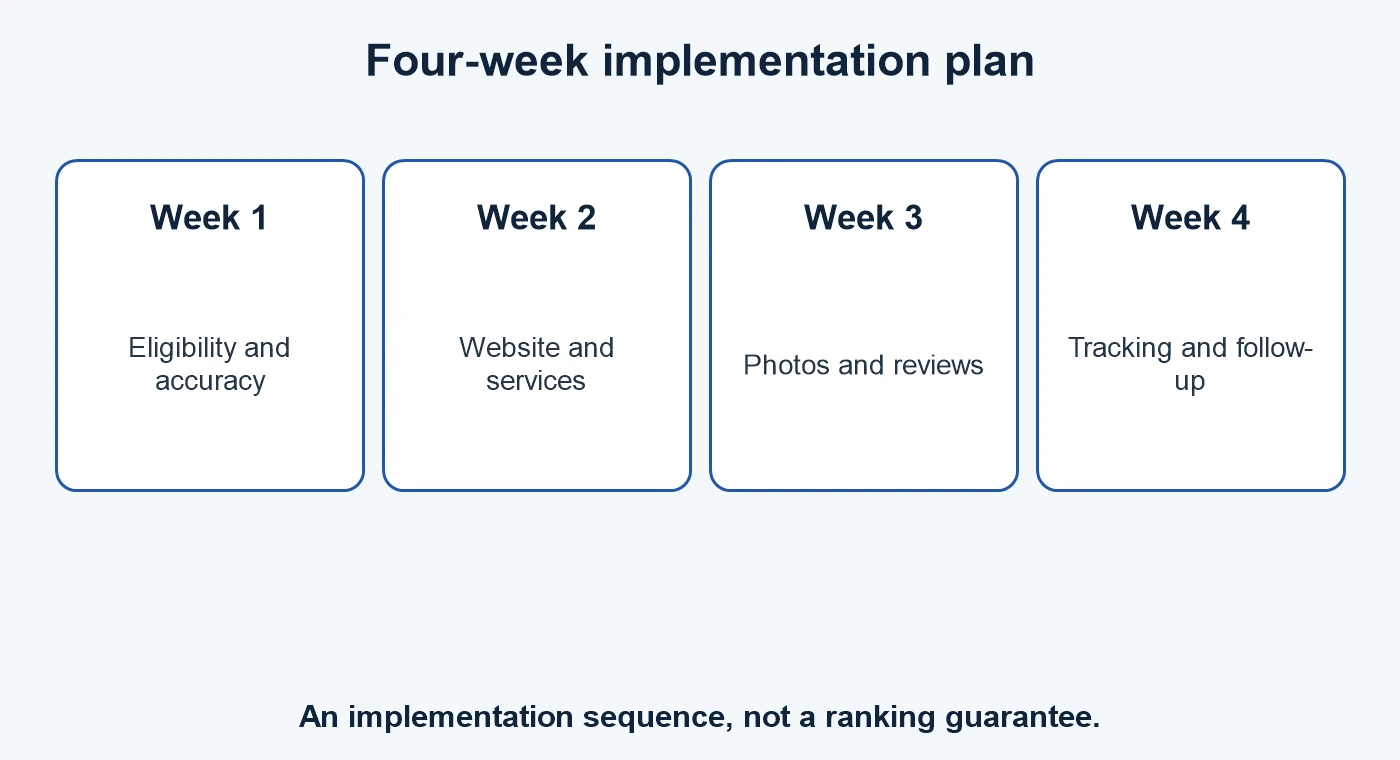
A practical four-week plan
- Week 1 — Eligibility and accuracy: confirm eligibility, name, category, hours, location or service area, and verification status.
- Week 2 — Website alignment: improve the most important service page, mobile contact options, and links from the profile.
- Week 3 — Trust: add accurate photos, create a compliant review request process, and respond to existing feedback.
- Week 4 — Measurement: review calls and qualified inquiries, identify friction, and make a short list of next improvements.
Frequently asked questions
Can I guarantee a top Google Maps ranking in Atlanta?
No. Local results depend on relevance, distance, and prominence, and distance varies with the searcher’s location.
Should I add “Atlanta” to my business name?
Only if it is part of the real-world business name used consistently on signage and customer-facing materials. Do not add keywords to manipulate ranking.
Do Google posts improve ranking?
Google does not promise a ranking boost from posts. Use them to share useful, current information with customers.
How many reviews do I need?
There is no universal target. Ask customers consistently for honest feedback and never buy, gate, or incentivize reviews.
Can a service-area business show its home address?
If customers are not received at that address, hide it and set a truthful service area in line with Google’s rules.
How often should the profile be updated?
Update it whenever real business details change, such as hours, service area, services, or contact information.
What should I track?
Track calls and inquiries through to booked appointments or sales when practical. Views and clicks are useful context, not the business outcome.
For help connecting local search to a useful website, see local search services, Atlanta SEO, or contact us.

 customersupport@advertisingbusiness.org
 (770) 874-6085