 (770) 874-6085


 770-874-6085
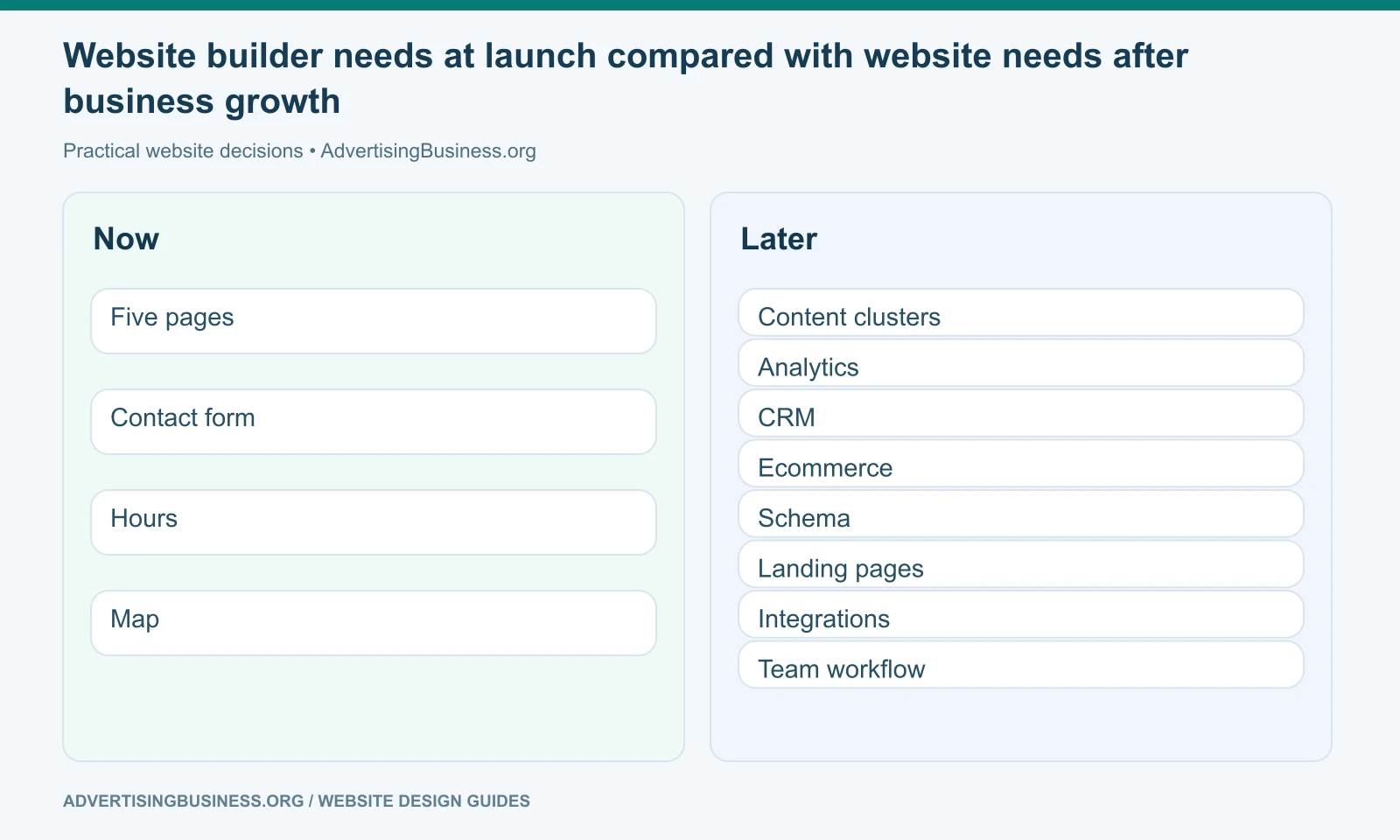
Cheap website builders are useful when the business needs a simple web presence quickly, but the lowest monthly price can hide a more important cost: what happens when the website must do more than it did on launch day.
A basic builder can be exactly right for a new solo business, temporary campaign or simple brochure site. The problem is assuming a starter platform will behave like a fully extensible CMS or custom stack later.
For the next practical step, see our guide to Google Sites as another low-overhead option.
This guide compares four current low-cost or convenience-oriented choices—Webador, UENI, SITE123 and Hostinger AI Website Builder—through the questions a business owner usually discovers after launch: Can I expand SEO content? Can I control tracking? Can I create unusual layouts? Can I add the integration I need? Can I move the site later? Can another agency take over cleanly?
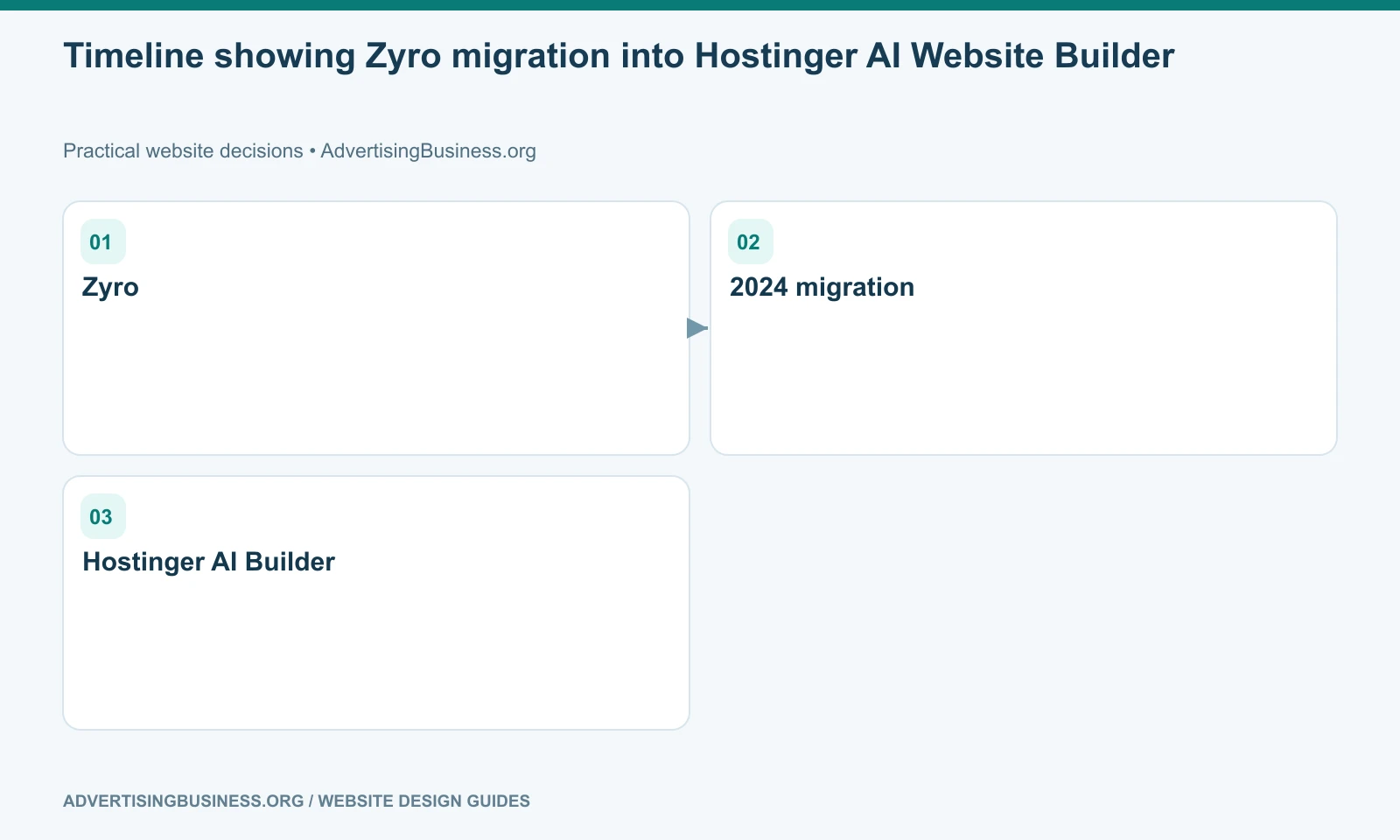
There is also an important naming correction. Zyro should not be treated as a current standalone 2026 builder. Hostinger’s own migration documentation says Zyro websites and services were moved into Hostinger and that migrated users no longer use Zyro. Hostinger AI Builder is the current product family.
What inexpensive website builders get right
Low-cost builders remove several barriers that once made a basic site harder to launch.
You usually do not have to provision a server, configure a database or build the page shell from scratch. Templates and guided editors help non-developers arrange text and images. Hosting, SSL and publishing are commonly bundled into the service. Some platforms also include AI-assisted generation, domains, email, forms, simple stores or appointment features depending on plan.
For a business whose requirements truly stop there, that convenience is valuable.
The mistake is treating the starter experience as proof that every future requirement will be equally easy.
A website is not only what visitors see. It is also the content model, URL architecture, analytics layer, integrations, ownership model, editing workflow and technical foundation behind the screen.
Our guide to building a business website without code explains the broader no-code decision before you compare specific vendors.
Webador: strong when the goal is a simple DIY presence
Webador positions itself around quickly creating websites and online stores without technical knowledge. Its appeal is straightforward: the owner can choose a design, add pages and content, and publish without managing a technical stack.
That can be a good fit for a local club, personal project, early-stage service business or simple brochure site where ease is more important than custom architecture.
Before committing, verify layout control, SEO fields, redirects, export options, integrations and the future migration path—not only the template gallery.
UENI: strongest when “done for me” matters more than builder control
UENI has historically differentiated itself from pure DIY builders by helping small businesses establish and manage an online presence rather than requiring the owner to design every screen personally.
That service model can suit an owner who does not want to become a web designer. Verify future design, content, integration and SEO requirements before making any convenience-oriented platform the long-term home of the brand.
SITE123: strongest when speed and guided structure are the priority
SITE123 is built around guided website creation rather than an open-ended design canvas. That can reduce decision fatigue for people who simply need common pages and functions online quickly.
A constrained editor can be a benefit until the business needs layouts or workflows outside the platform’s intended patterns. Test the specific content, ecommerce, tracking, script and migration requirements you expect to need.
Hostinger AI Website Builder: the current successor path to Zyro
Hostinger is the platform in this comparison that most directly illustrates why older builder comparisons go stale.
Hostinger’s official support documentation says Zyro users were migrated into Hostinger and that Hostinger AI Builder is the improved product used to run those sites. Once migrated, users could no longer use Zyro as a separate service.
Hostinger now combines its website builder with hosting, AI creation tools and a broader hosting ecosystem. That gives it an advantage over a narrow standalone builder when a customer may also need domains, hosting management or other site services under the same provider.
It still has the core managed-builder tradeoff: the site is built inside Hostinger’s system. If you later need a different CMS, custom architecture or full portability, migration may involve rebuilding rather than moving the implementation unchanged. Hostinger’s own migration documentation notes that custom-builder sites—including Google Sites, Shopify, Squarespace and Zyro—cannot simply be migrated through the same file/database process used for open-source CMS installations.
The hidden cost is usually not the subscription price
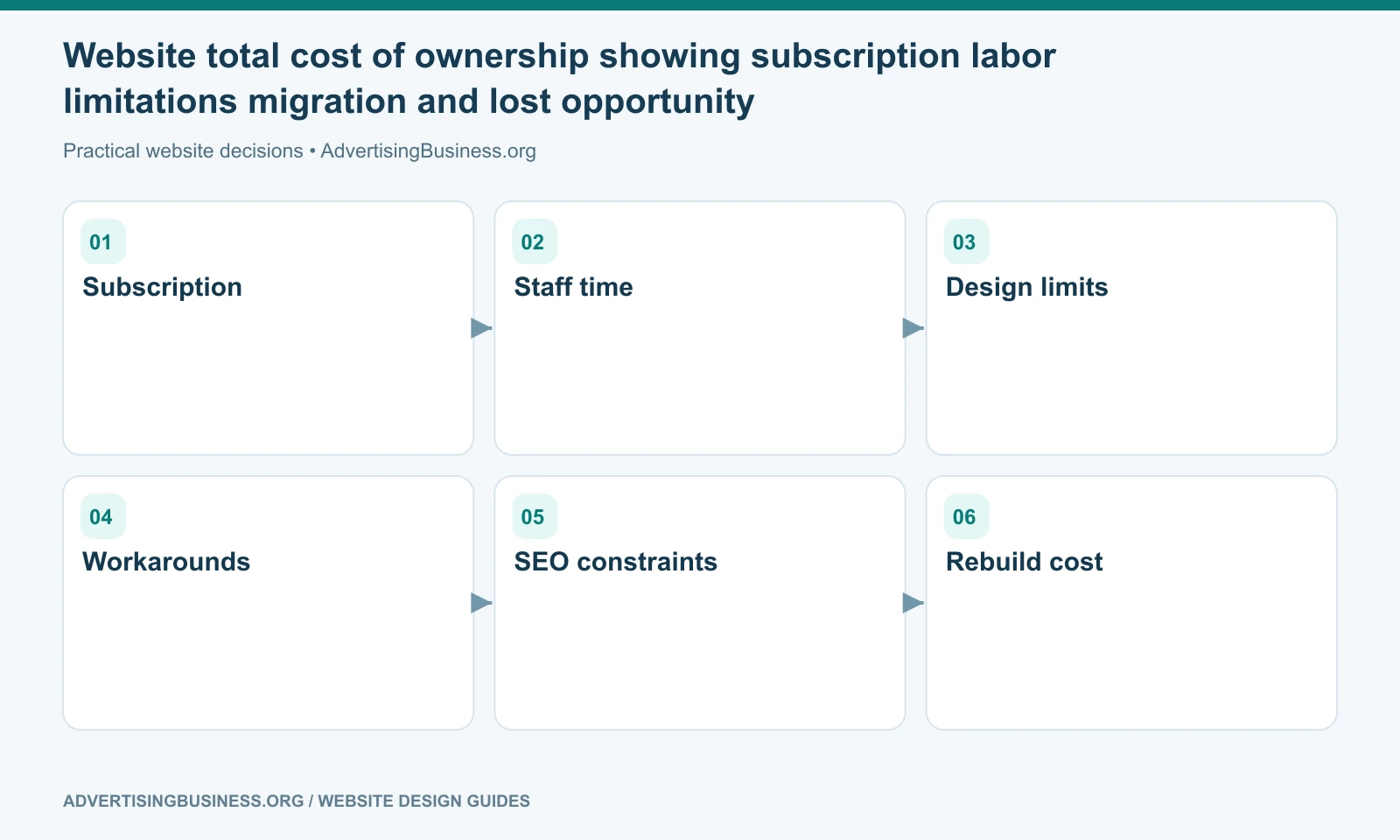
Cheap website builders become expensive when the business must work around a limitation every month.
That cost can appear as staff time. A simple content edit takes too many steps. A landing page cannot be structured the way the campaign needs. Tracking has to be improvised. A CRM integration requires manual work. A new service cannot get the URL or template it deserves.
It can appear as lost opportunity. The site technically exists but does not support the content depth, conversion proof, local architecture or analytics needed by the marketing strategy.
It can also appear as migration cost. The company eventually needs another platform and discovers that content can be copied, but the design, forms, automations and component structure must be rebuilt.
This is why the cheapest first year is not the same as the lowest total cost of ownership.
SEO limits should be described specifically, not as a myth
Avoid the blanket claim that cheap builders “cannot rank.” That is usually too simplistic.
A small website can appear in search when its pages are crawlable, useful and relevant. The meaningful comparison is how much control the platform gives over the work your strategy requires.
Can you create a clean URL for every meaningful service? Can you set titles and descriptions? Can you control headings? Can you redirect an old URL? Can you add structured data where appropriate? Can you build internal links naturally? Can you publish substantial supporting content? Can you connect analytics and Search Console? Can you manage indexation when the site grows?
A business with five static pages may need far less SEO control than an agency publishing 100 service, location and resource pages.
The platform is not “SEO-friendly” or “SEO-unfriendly” in the abstract. It is more or less compatible with a specific SEO program.
Portability is where many businesses get surprised
There are several forms of website ownership.
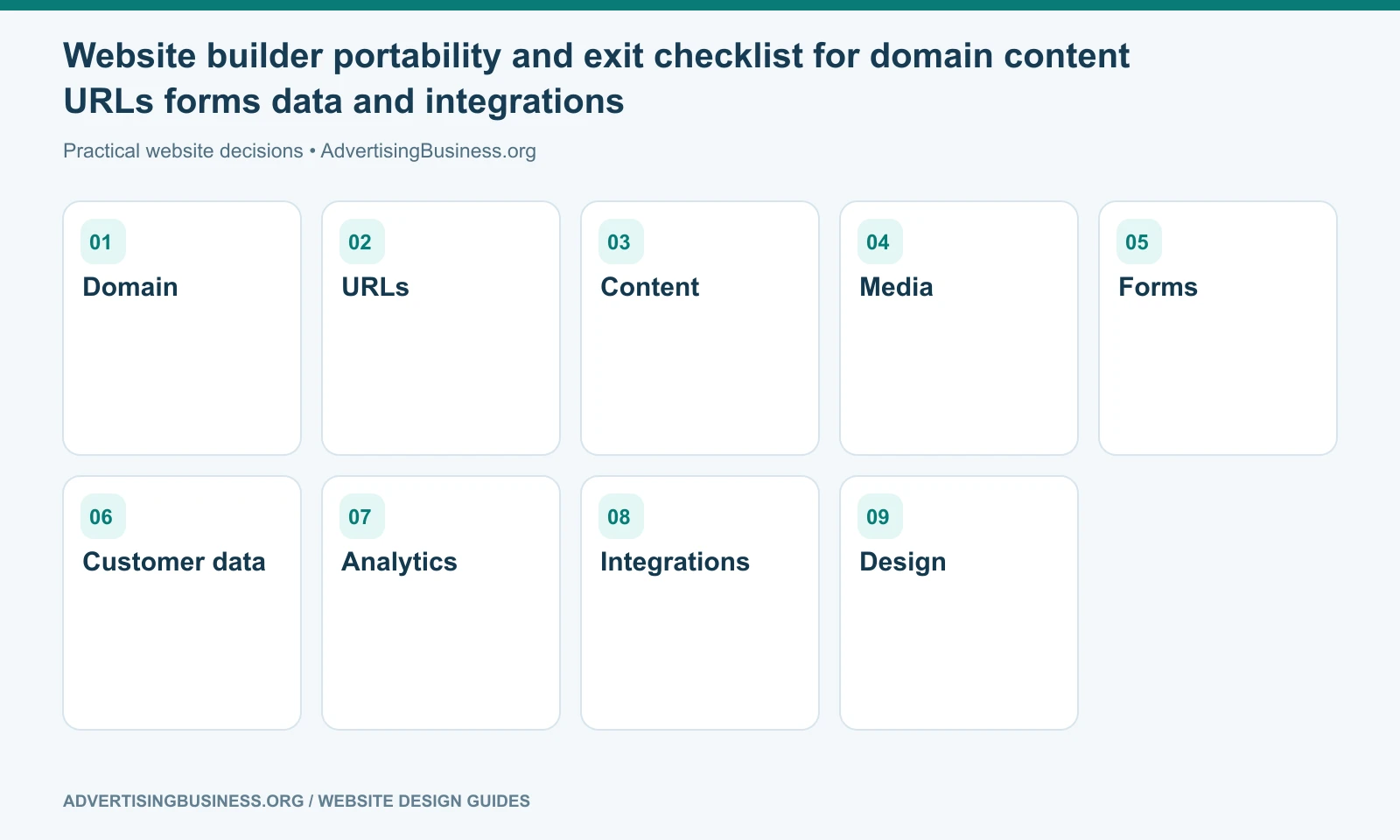
You can own the domain while renting the platform. You can own the text while not owning the design implementation. You can export blog posts while needing to recreate forms and page layouts. You can have admin access while still depending on a vendor-specific theme or application.
Before choosing any builder, ask for a plain-English exit scenario:
- If I leave, what can I export?
- Can another provider take over the current implementation?
- Can I keep the same URLs?
- Can I move the design, or only the content?
- What happens to forms, analytics, ecommerce data and automations?
- What subscriptions or domains are tied to the account?
If those answers are acceptable, vendor lock-in may be a reasonable trade for convenience. If they are unacceptable, choose a more portable architecture before the site grows.
When a cheap builder is exactly the right answer
Use one when the website has a narrow job, the budget is intentionally limited, the business does not need custom architecture, and the cost of a future rebuild is acceptable.
Examples include an event microsite, a simple personal portfolio, a temporary campaign, a small local service business validating an offer, or an organization whose main need is publishing basic information.
Do not overbuild a $500 problem into a $20,000 project.
But the reverse is also true: do not compress a business-critical lead-generation, ecommerce or content system into a starter platform simply because the monthly price looks attractive.
If you want to decide based on the website’s future job rather than the builder’s promotional price, Elite Web Professionals can map the required pages, lead paths, SEO growth and integrations first. Review our Website Design service or contact us with the platform you are considering.
Cheap website builders are a smart choice when their limits match the project’s limits. The risk begins when the business buys a temporary tool but plans around it as if it were an unlimited long-term system.
Frequently asked questions
Is Zyro still a website builder in 2026?
Not as a standalone product. Hostinger’s official documentation says Zyro websites and services were migrated into Hostinger and that migrated users use Hostinger AI Builder instead.
Can a cheap website builder rank on Google?
Yes, a site on a lower-cost builder can rank. The practical issue is whether the platform provides enough control over crawlable content, URLs, metadata, internal linking, performance, structured data and content expansion for your SEO strategy.
What is the biggest hidden cost of a cheap website builder?
Usually the cost appears when the business outgrows the platform: staff workarounds, missing integrations, constrained marketing pages or the need to rebuild during migration.
When should I choose a cheap website builder?
Choose one when the site has a simple, stable job and the platform already supports the features, content scale and ownership model you expect to need.
Sources
- Official Hostinger source — Zyro migration: https://www.hostinger.com/support/8596186-zyro-user-migration-to-hostinger/
- Official Hostinger AI Builder: https://www.hostinger.com/ai-builder
- Official Webador: https://www.webador.com/how-it-works
- Official UENI feature documentation: https://help.ueni.com/en/collections/16180465-features
- Official SITE123: https://www.site123.com/features
- https://www.advertisingbusiness.org/build-business-website-without-code/

 customersupport@advertisingbusiness.org
 (770) 874-6085