 (770) 874-6085


 770-874-6085
A business website with Google Sites is possible, and Google’s own documentation confirms that Sites can publish public pages, organize multi-level navigation, use custom page paths, embed Google tools, connect Google Analytics and use a custom domain.
The more important question is whether that feature set is enough for the business you are building.
Google Sites is very good at one category of work: getting structured information online with very little technical overhead. It is especially natural when the content already lives in Google Workspace—Docs, Sheets, Slides, Forms, Calendars, Maps or Drive files.
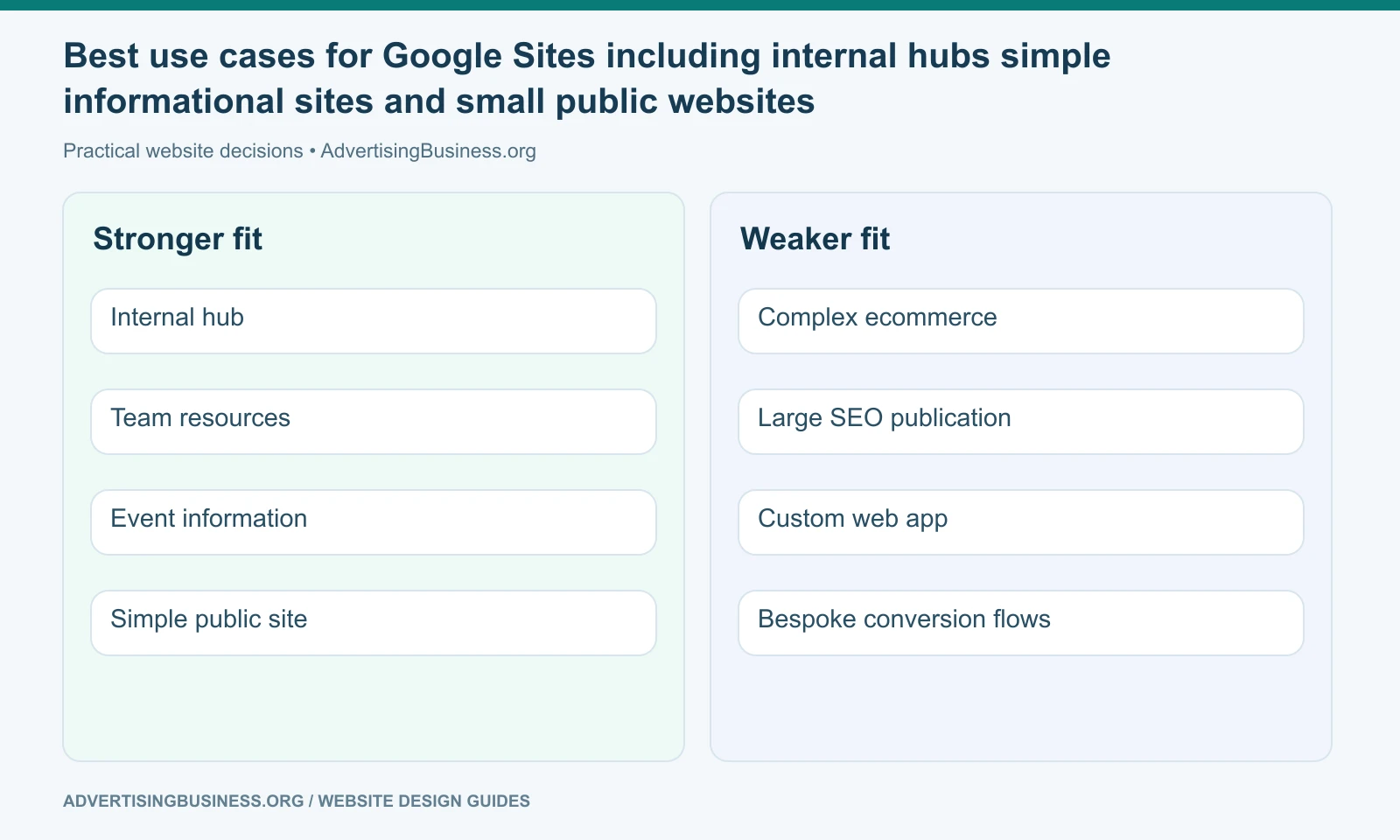
That makes it useful for internal resources, project hubs, school or team information, simple event sites, lightweight public information and some very small business websites.
It becomes a weaker fit when the website itself is expected to be an advanced marketing engine: custom conversion experiences, large SEO architecture, ecommerce, sophisticated schema, deep design systems, complex CRM workflows or extensive third-party development.
That is not a criticism. It is product fit.
What Google Sites can actually do
Google’s help documentation describes Sites as a tool for creating and sharing websites. Users can start from a template, edit pages and publish them from the browser.
The platform supports multiple pages and up to five levels of subpages. It also lets a publisher set custom page paths, which is useful when you want readable URLs instead of accepting every generated path.
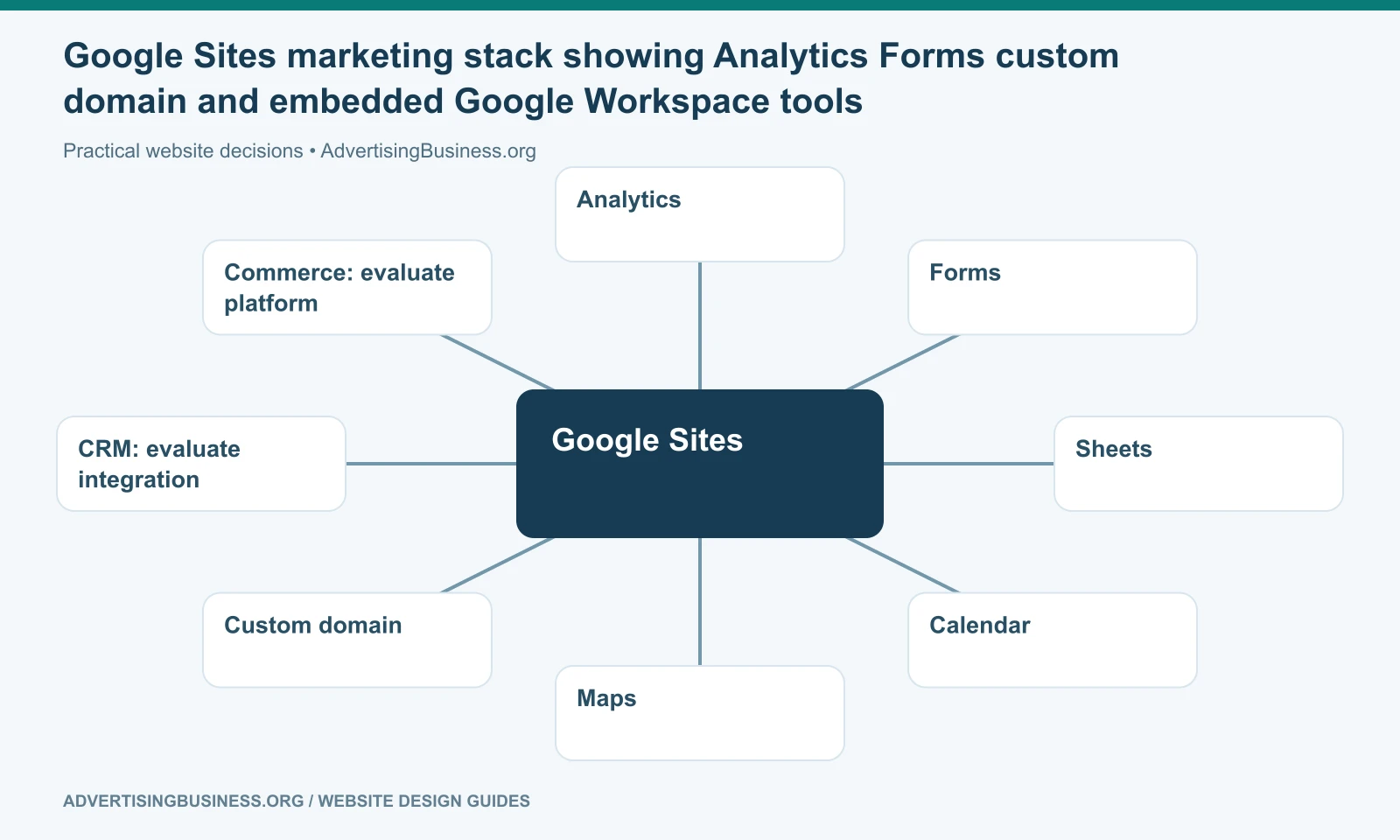
Google Sites can embed Google Docs, Sheets, Slides, Forms, Charts, YouTube videos, Maps and Calendars. It can also embed other webpages or supported HTML, CSS and JavaScript snippets inside embed blocks.
Google also provides a direct Analytics setting: enter a valid Analytics property ID and Google Sites can send site usage data into Google Analytics. Its help documentation notes that changing a custom path or renaming a page changes the URL and can affect analytics tracking.
A custom domain can also be connected, so the website does not have to live only under a sites.google.com address.
That is a real website toolkit—just a deliberately constrained one.
Where Google Sites is easier than a traditional CMS
You do not manage hosting, server software, database updates, theme compatibility or a plugin ecosystem.
If the goal is to publish a team handbook, onboarding hub, resource library or simple public information site, that is a strength. The person maintaining the content can focus on the page instead of the infrastructure.
Google Workspace integration is another practical advantage. A company can embed a live Sheet, calendar, form or document without rebuilding the information into a separate CMS component.
Collaboration is also familiar to teams already using Google products. People can be invited to edit, and content permissions can follow the underlying files in important cases.
For a simple business that only needs a handful of pages, those advantages may outweigh the missing advanced controls.
Where the design ceiling becomes visible
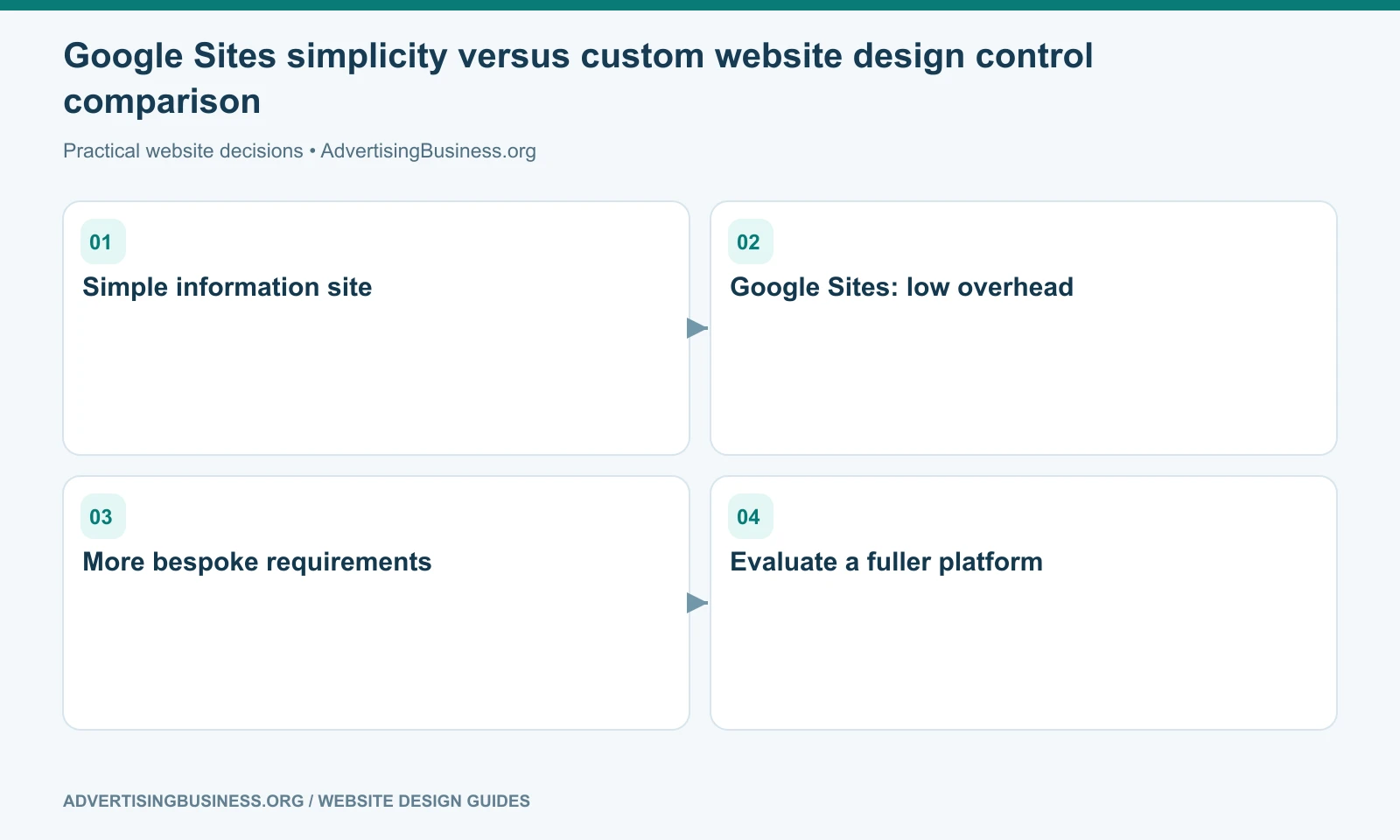
Google Sites does not offer the same level of visual-system control as Webflow, custom development or a mature WordPress page-building environment.
That can be good for consistency. It can also make a brand feel generic when the business wants distinctive layouts, interaction, typography systems, advanced responsive behavior or a highly art-directed experience.
If the website’s job is mostly “publish correct information,” the ceiling may never matter.
If the website must differentiate a premium service, support sophisticated sales storytelling or reproduce a detailed design system across many page types, the ceiling can become a business constraint.
This is why website design for beginners should start with the job the site needs to do, not with the easiest editor to open.
The SEO question is more nuanced than “Google owns it, so Google will rank it”
A Google product does not receive an automatic organic-ranking advantage because Google owns the platform.
Search still evaluates pages through the broader ranking and quality systems. The site needs to be public, discoverable and useful. The fact that it is hosted through Google Sites does not substitute for content quality, relevance, links or a sensible information architecture.
Google Sites gives you some useful structural controls: pages, custom paths, navigation and content. What it does not give you is the same granular SEO toolkit you would expect from a purpose-built CMS with dedicated plugins or developer access.
If your strategy depends on hundreds of service/location/resource pages, specialized schema, detailed technical controls, templated programmatic publishing, advanced redirects or custom head markup, verify the exact requirement before choosing Sites.
Do not overstate the limitation by saying “Google Sites cannot rank.” A focused public page can be indexed. The issue is how much optimization and architecture control your strategy requires.
Our internal linking strategy guide explains why page relationships become increasingly important as a business site grows.
Can Google Sites handle forms and lead capture?
Yes, especially through Google Forms and embedded content.
For a basic inquiry form, registration, survey or internal request, that may be perfectly adequate. The result can feed naturally into Google Sheets or Workspace processes.
A more advanced marketing operation may want conditional form logic, attribution, hidden fields, CRM creation, call tracking, conversion APIs, custom confirmation journeys, appointment routing, spam controls and highly styled form experiences.
Some of those can be approximated with embeds or external tools. But every external layer should make you ask whether you are extending the right base platform or assembling workarounds around a simple tool.
The same principle applies to ecommerce. Google Sites can link or embed external experiences, but it is not a commerce-first platform comparable to Shopify, WooCommerce or Adobe Commerce.
What about Analytics?
Google Sites has a native Analytics setting.
Google’s documentation says you can enter an Analytics property ID under Site settings and view data in Analytics after collection begins. That is enough for standard traffic measurement.
For sophisticated measurement, ask whether you need additional tag management, custom events, advertising pixels, consent controls, server-side tracking or scripts that require access beyond what Sites exposes.
Measurement is not just “is Analytics connected?” It is “can the site record the business actions we actually need to optimize?”
When Google Sites is a good business choice
It can be a good choice when:
- the site is primarily informational;
- the team already lives in Google Workspace;
- the design can stay intentionally simple;
- there are few page types;
- lead capture is basic;
- advanced ecommerce is not required;
- the business accepts the platform’s customization boundaries;
- speed of deployment matters more than bespoke design.
A small community organization, internal operations portal, consultant validating an idea, temporary program site or micro-business with low marketing complexity could fit that profile.
When to choose a fuller website platform instead
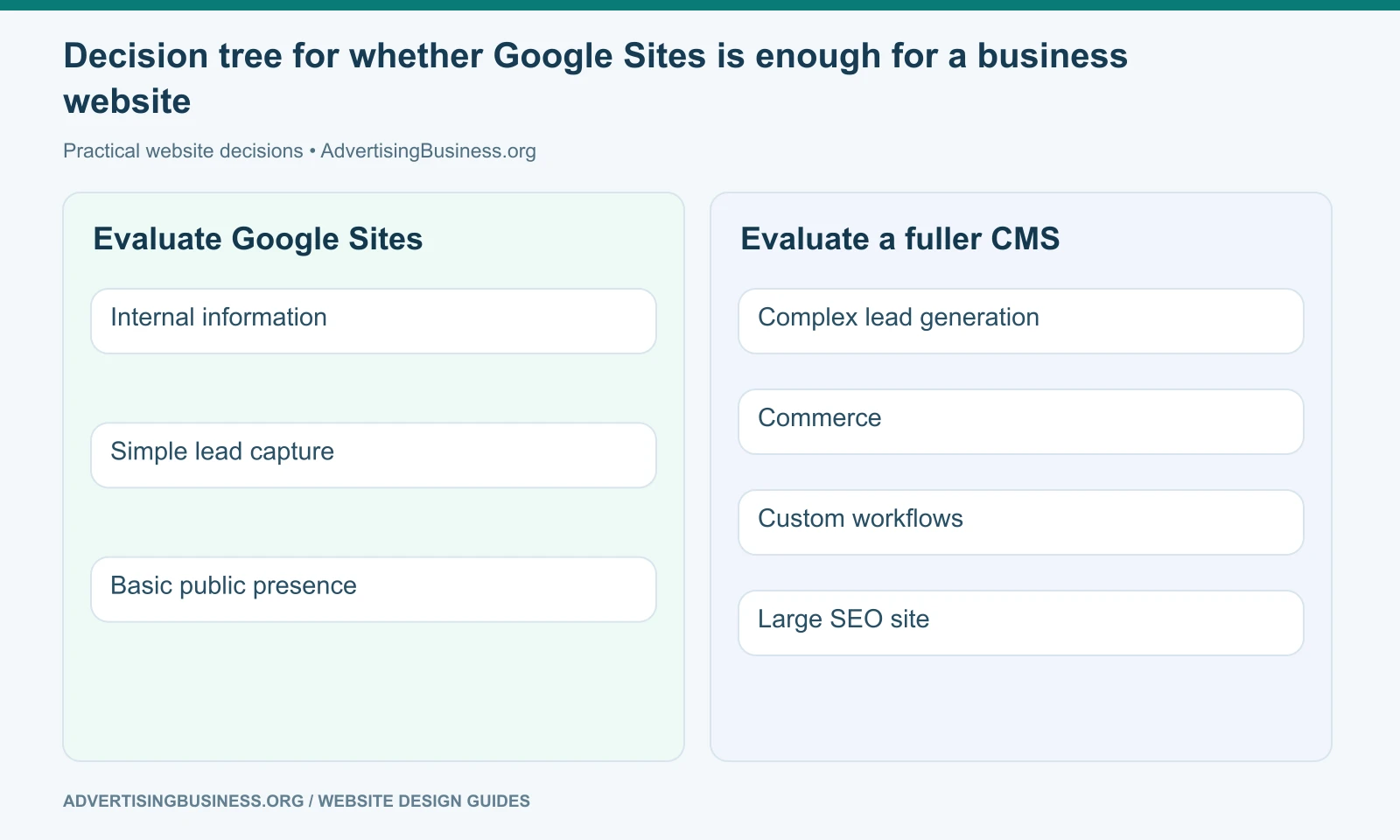
Move up the stack when the website is expected to generate a meaningful share of leads or revenue and the strategy requires capabilities Google Sites was not designed to prioritize.
That might include a large local SEO program, extensive content library, multiple conversion funnels, membership, complex forms, customer accounts, substantial ecommerce, custom integrations, advanced structured data, fine-grained performance work or a premium visual experience.
At that point the question is no longer whether Google Sites can technically display the information. It is whether the platform lets your marketing and operations team do the work efficiently.
Our Can You Build a Business Website Without Code? guide can help compare the broader no-code category before you decide.
Use the simplest platform that still supports the business outcome
A larger platform is not automatically better. More flexibility can bring more maintenance, more cost and more ways to misconfigure the site.
But simplicity stops being an advantage when it prevents the business from doing necessary work.
If you are deciding whether a basic tool is enough or whether the company needs a true marketing website, Elite Web Professionals can map the pages, conversions, SEO and integrations before recommending a build. Review our Website Design service or contact us with the site’s actual job.
A business website with Google Sites can be the right decision when the website is fundamentally a simple information-and-collaboration tool. When the site becomes a lead engine, publishing platform, store or custom customer experience, choose the platform that gives those responsibilities enough room to grow.
Frequently asked questions
Can Google Sites use a custom domain?
Yes. Google provides a documented process for connecting a custom domain to a published Google Site.
Can Google Sites use Google Analytics?
Yes. Google Sites has a setting for a valid Google Analytics property ID, and Google documents the connection directly in Sites Help.
Is Google Sites good for SEO?
It can support public, crawlable informational pages, but it offers less granular SEO and technical control than many full CMS platforms. Whether that matters depends on the scale and sophistication of the SEO strategy.
Can I sell products directly with Google Sites?
Google Sites is not a commerce-first platform. You can link or embed external tools, but businesses needing a mature catalog, checkout, inventory, promotions and order management should evaluate dedicated ecommerce platforms.
Sources
- Official Google Sites source: https://support.google.com/sites/answer/6372878?hl=en
- Google Sites pages and custom paths: https://support.google.com/sites/answer/98216?hl=en
- Google Sites Analytics: https://support.google.com/sites/answer/97459?hl=en
- Google Sites embeds: https://support.google.com/sites/answer/90569?hl=en
- Google Sites custom domain: https://support.google.com/sites/answer/9068867?hl=en
- https://www.advertisingbusiness.org/build-business-website-without-code/

 customersupport@advertisingbusiness.org
 (770) 874-6085