 (770) 874-6085


 770-874-6085
AI prompts for website design work best when they tell the model what the business needs the page to accomplish, not simply what the page should look like.
For the next practical step, see our guide to website hero section formulas and examples.
For the next practical step, see our guide to test those prompts in current AI website builders.
“Make me a modern website” is not a strategy. A stronger prompt gives the model five things: business context, target visitor, desired action, verified inputs and constraints, then asks for a specific deliverable.
The prompts below are written so they can be used in ChatGPT, Claude, Gemini, an AI website builder or a coding agent. Replace the bracketed fields with real company information. Do not allow the model to invent testimonials, credentials, guarantees, locations, pricing or performance claims.
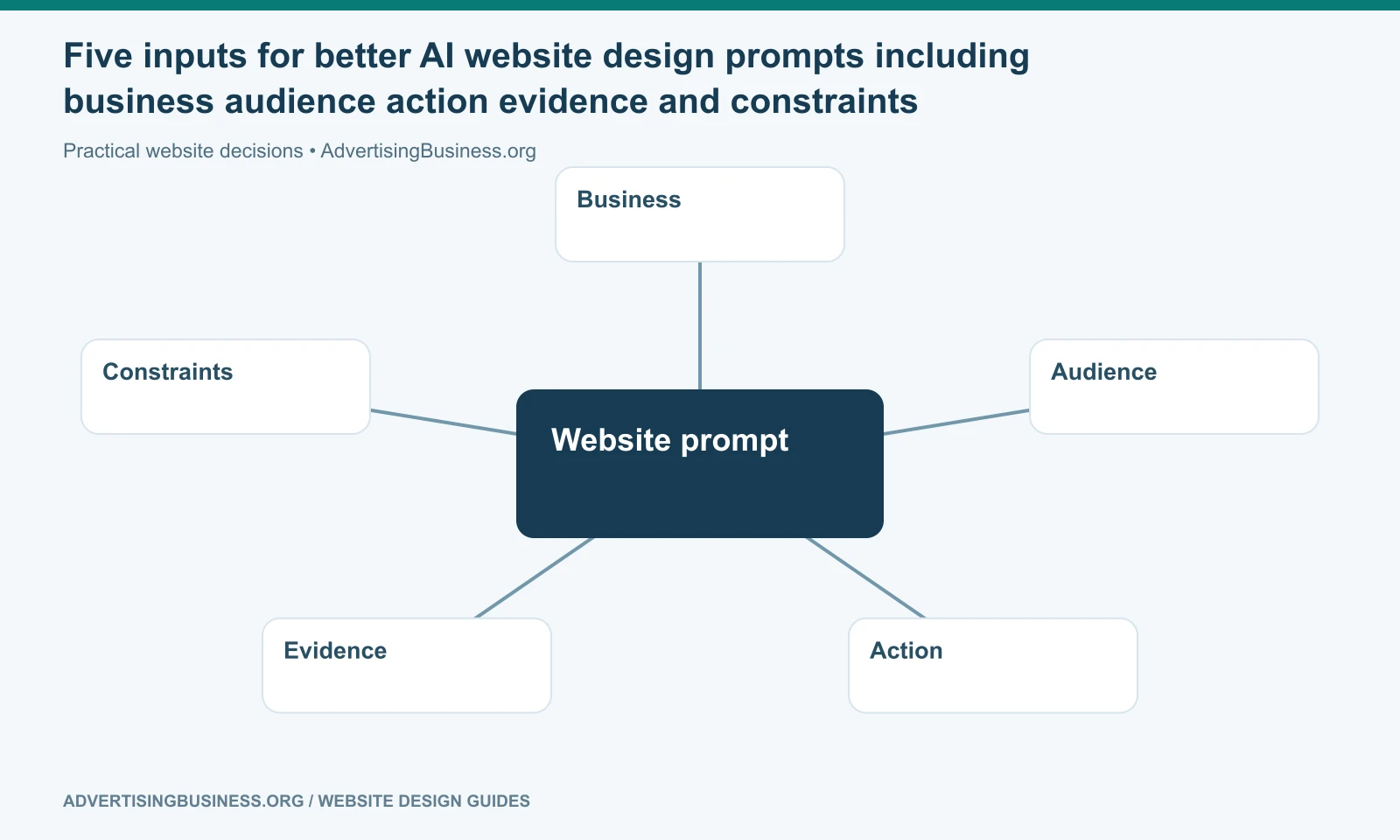
Before the 25 prompts: use this master context block
Paste this once at the beginning of a website-design session:
You are helping design a business website. Do not invent facts. Business: [NAME]. What we sell: [SERVICES/PRODUCTS]. Primary audience: [AUDIENCE]. Geography: [SERVICE AREA IF RELEVANT]. Primary conversion: [CALL / FORM / BOOKING / PURCHASE / DEMO]. Secondary conversion: [OPTIONAL]. Verified proof: [REVIEWS / YEARS / CERTIFICATIONS / CASE STUDIES / NONE YET]. Brand traits: [3–5 ADJECTIVES]. Required pages: [LIST]. Existing URLs that must be preserved: [LIST OR NONE]. Platform: [WORDPRESS / WEBFLOW / WIX / CODE / OTHER]. Accessibility target: [WCAG 2.2 AA IF APPROPRIATE]. Never fabricate testimonials, statistics, clients, awards, addresses, guarantees or pricing. Flag missing information instead of guessing.
Now use the individual prompts below.
Strategy and structure prompts
1. Turn the business goal into a sitemap
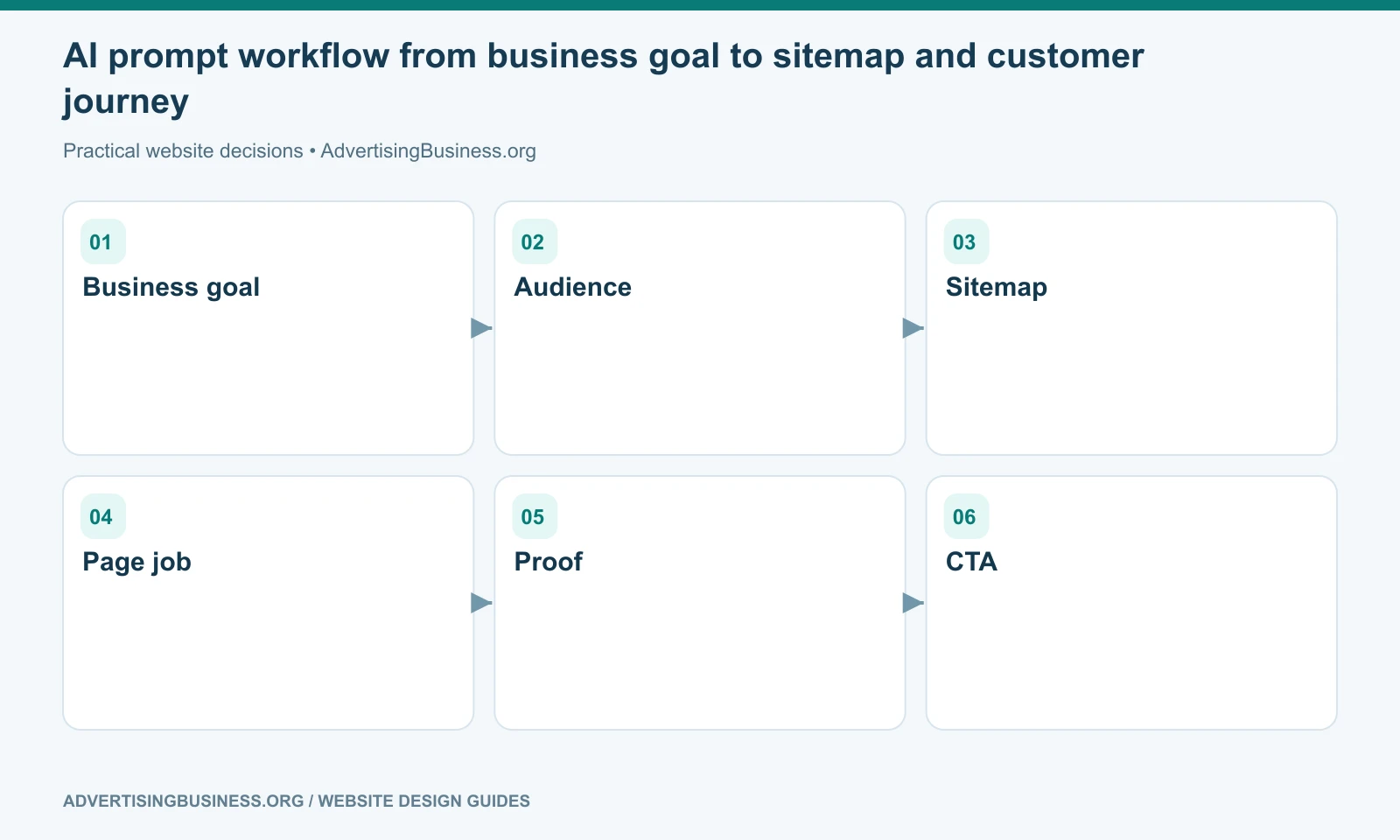
Based on the master context, propose the smallest sitemap that can support the customer journey and search intent. For each page, state its job, primary visitor question, primary CTA and why it deserves its own URL. Do not create thin pages for keyword variations.
2. Define the homepage job
Write a homepage strategy before writing copy. Identify the first five questions the visitor needs answered, the order in which they should be answered, the proof needed before the main CTA, and the biggest source of hesitation.
3. Build a customer journey
Map the visitor journey from first landing to conversion. Show what the visitor likely knows, doubts and needs at each stage. Recommend which page or section should answer each concern.
4. Decide one-page versus multi-page
Compare a one-page site and a multi-page site for this business. Base the recommendation on distinct services, customer questions, proof depth, SEO intent, locations and sales-cycle complexity—not on a generic rule that more pages are better.
If that decision is still unclear, use our One-Page Website vs Multi-Page Site guide.
Hero and copy prompts
5. Write a clear hero section
Create five hero-section directions. Each must include a headline that says what the company helps the customer do, a supporting line that adds specificity, one primary CTA, one optional secondary CTA and one proof element. Avoid slogans that could apply to any competitor.
6. Rewrite a vague headline
Here is our current headline: [PASTE]. Explain what a first-time visitor still would not know. Rewrite it in five versions: direct, premium, local, outcome-led and category-defining. Do not overpromise.
7. Write service-card copy
For these services [LIST], write cards that distinguish the services by customer problem and outcome. Each card needs a concise heading, two-sentence explanation and a descriptive link label. Avoid repeating the same generic benefit.
8. Write an About section that earns trust
Draft an About section using only these verified facts: [FACTS]. Explain why the company exists, how it works and why those facts matter to a buyer. Do not turn the founder story into a biography unless it supports the buying decision.
9. Create an Our Team section
Design the content model for an Our Team section. Recommend what belongs in each profile—name, role, specialty, credential, short bio, location, photo style and optional links—without inventing any missing information.
10. Turn features into buyer benefits
Here are our features: [LIST]. For each one, translate the feature into a customer-facing benefit and then into proof or evidence we would need to support the claim.
11. Create a CTA system
Create a sitewide CTA hierarchy with one primary conversion and up to two secondary actions. Show where each CTA should appear and which visitor stage it serves. Avoid placing five competing actions in the hero.
Visual direction prompts
12. Build a brand-aligned color palette
Using these brand traits [TRAITS] and existing brand colors [COLORS], propose a web palette with primary, secondary, accent, background, surface, text and state colors. Explain the role of each color. Prioritize readable contrast; do not choose colors only because they look trendy.
13. Define typography
Recommend a practical website typography system for this brand. Include display, heading, body and utility roles; readable desktop/mobile sizes; line-height guidance; and fallback considerations. Keep body text easy to read and avoid novelty fonts for essential information.
14. Choose a web-design style intentionally
Compare three design directions for this company—minimal editorial, premium motion-led and warm trust-led. For each, explain why it fits or conflicts with the audience, content depth and conversion goal. Recommend one direction.
15. Generate image direction
Create an image brief for the website. List the photographs or visuals needed by section, what each image should communicate, framing/orientation, mobile crop considerations and what visual clichés to avoid. Do not invent people, facilities or projects that the business cannot substantiate.
Page and conversion prompts
16. Build an ideal service-page outline
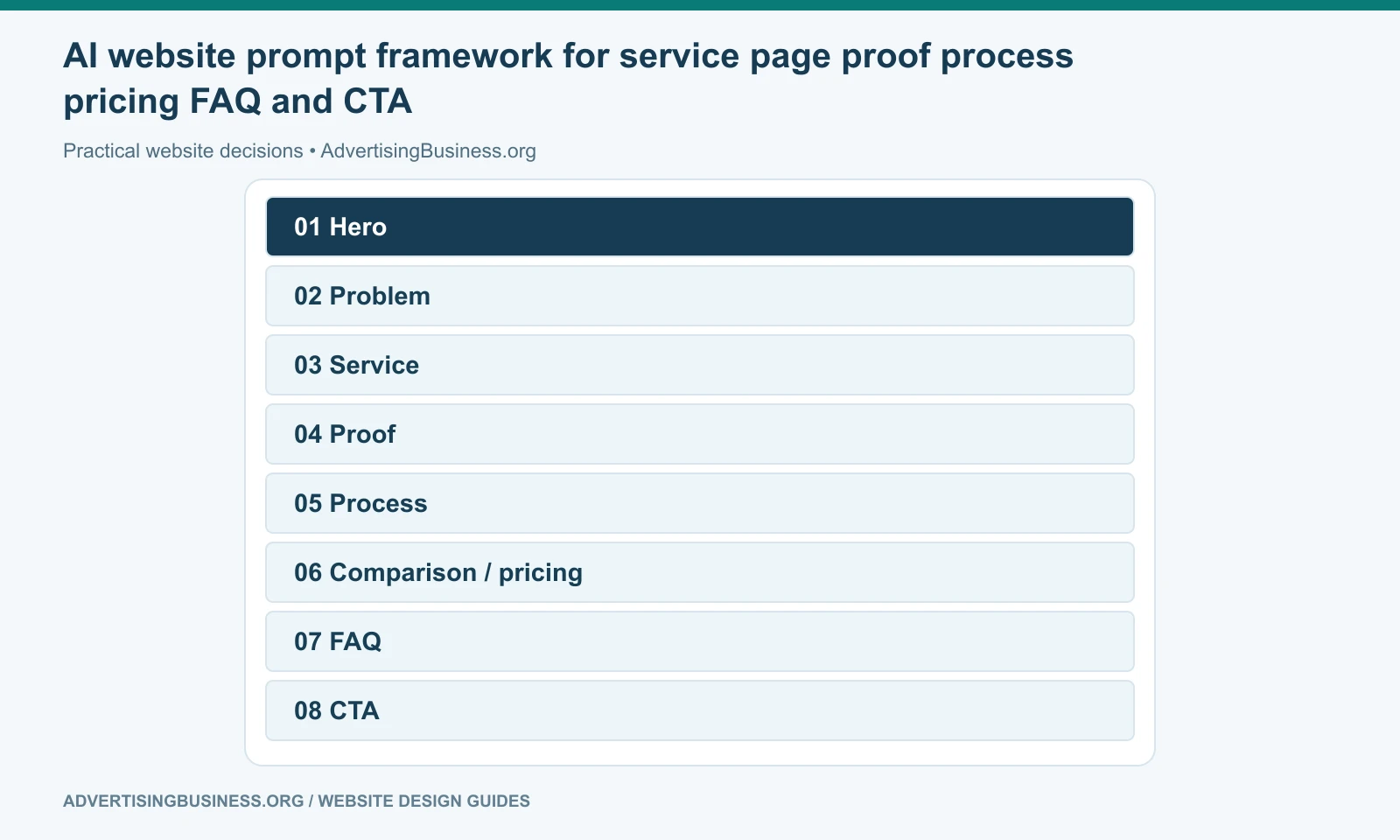
Create a service-page wireframe for [SERVICE]. Use this sequence as a starting point, not a rigid template: problem/context, solution, who it is for, proof, process, options/pricing context if approved, objections/FAQ and CTA. State why each section belongs.
17. Build a “How It Works” section
Turn this real process [PASTE PROCESS] into three to five customer-facing steps. Use plain language, identify what the customer does versus what the company does, and include what happens after the final step.
18. Create a comparison table
Build a comparison table that helps a buyer choose among [OPTIONS]. Use dimensions that actually change the buying decision. Do not create fake superiority claims; mark any field that needs verification.
19. Improve a pricing section
Review this pricing information [PASTE]. Recommend how to present it so buyers understand what is included, what changes the price, what is optional and what the next step is. Do not invent discounts or “starting at” prices.
20. Build an FAQ from real objections
Using these sales questions, support tickets or customer objections [PASTE], create an FAQ. Prioritize questions that block a decision. Answer directly in the first sentence, then add necessary nuance. Do not create fake FAQs solely for keywords.
SEO, mobile and QA prompts
21. Review page intent for SEO
Review this page [PASTE COPY OR URL CONTENT]. State the primary search intent it appears to serve, whether that intent is clear, which sections are redundant, what unique evidence is missing and whether another page on the supplied sitemap should own part of the topic. Do not recommend keyword stuffing.
22. Write metadata without clickbait
Write five SEO title and meta-description options for this page. Keep the topic explicit, reflect visible page content, include the primary phrase naturally and avoid claims the page cannot support. Explain which option best balances clarity and click appeal.
23. Run a mobile-first review
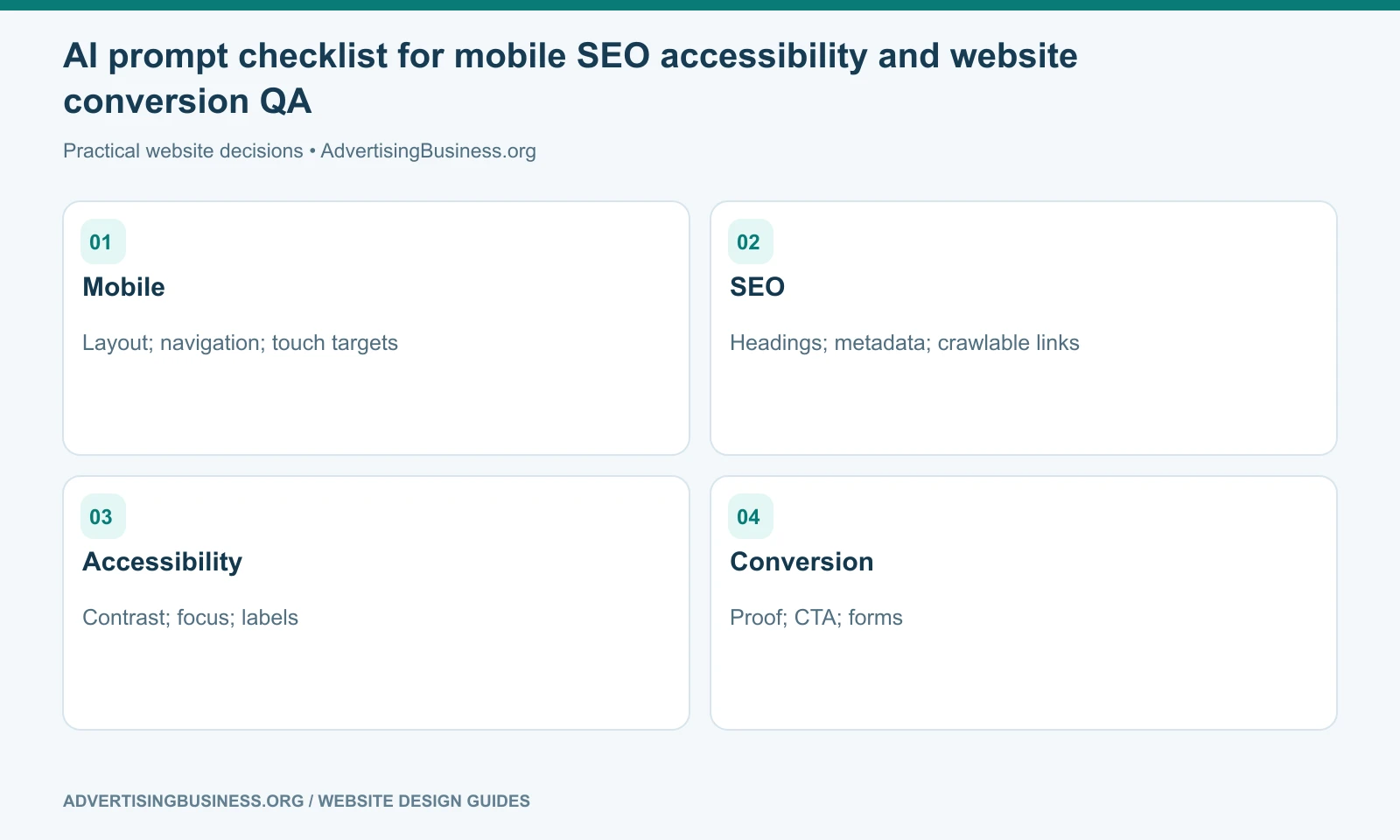
Review this layout or screenshot for a 390-pixel-wide mobile screen. Check navigation, text size, line length, tap targets, forms, sticky elements, image crops, tables, overflow, CTA visibility and spacing. Return issues in severity order with a specific fix for each.
24. Run an accessibility pass
Review this page structure against practical WCAG 2.2 considerations. Check heading order, keyboard access, visible focus, form labels, alternative text, contrast, motion, link purpose, target size and error messaging. Distinguish what can be inferred from the supplied material from what requires live testing.
W3C’s current WCAG documentation should be the source of truth for accessibility criteria; an AI review is only a preparation layer.
25. Run the final conversion QA
Act as a skeptical first-time buyer. Review the full page and answer: What does the company do? Who is it for? Why should I trust it? What proof is visible? What is unclear? What objection is unanswered? What is the next step? Then list the five highest-value changes, with no cosmetic changes unless they affect comprehension or action.
The prompt is not the source of truth
A model can identify gaps; it cannot verify facts you never supplied. Do not let it invent ratings, testimonials, credentials or accessibility compliance. A good AI workflow separates generation, evidence and verification.
Use the prompts to clarify the website before you accelerate it
AI is most valuable here when it forces the team to articulate the audience, page job, proof and conversion path before expensive build decisions are locked.
Elite Web Professionals uses AI as a production and analysis layer around real business inputs. If you want those inputs turned into a complete customer-facing system, review our Website Design service or contact us with your current site, services and goals.
AI prompts for website design produce better work when the prompt contains the truth the website needs to communicate and the constraints the build must respect. Give the model the business, audience, action, evidence and boundaries first; then let it help you explore the page faster without letting speed replace judgment.
Frequently asked questions
What should I include in an AI website design prompt?
Include the business, audience, primary conversion, verified proof, brand direction, required pages, platform, existing URLs and any constraints the model must not invent around.
Can AI prompts replace a web designer?
They can accelerate strategy, copy, layout exploration and QA. They do not automatically replace client discovery, visual judgment, technical implementation, accessibility testing, SEO migration or business accountability.
Can I use these prompts in ChatGPT and Claude?
Yes. The prompts are model-agnostic. They can also be adapted for AI website builders and coding agents that accept natural-language instructions.
For the next practical step, see our guide to use these prompts with Claude.
Should I ask AI to copy a competitor’s website?
Use competitors for analysis and inspiration, not for cloning protected text, images, code, distinctive brand assets or an entire visual identity. Ask the model to identify principles you can reinterpret for your own brand.
Sources
- Official accessibility source: https://www.w3.org/WAI/standards-guidelines/wcag/
- Google Search guidance: https://developers.google.com/search/docs/fundamentals/ai-optimization-guide
- https://www.advertisingbusiness.org/website-design-for-beginners/
- https://www.advertisingbusiness.org/one-page-vs-multi-page-website/

 customersupport@advertisingbusiness.org
 (770) 874-6085