 (770) 874-6085


 770-874-6085
GPT-6 Astra safety is a business permissions question as much as a model question. Before an AI-assisted workflow can publish, spend, share, or change important records, the company needs to define who authorizes those actions and how the result will be checked.
In its official safety overview, OpenAI says Astra is its first model to reach the Critical cybersecurity capability level under its Preparedness Framework. That classification concerns capability and safeguards; it is not a certification that a company’s own integration is safe, nor a reason to grant unrestricted access.
The framework below is our recommended operational starting point for businesses and agencies. It is not a security certification, legal opinion, or a substitute for reviewing the actual systems and data involved in a deployment.
Separate model safeguards from your business controls
A provider can describe safeguards around its model, while the business still makes choices about connected accounts, shared data, authorized actions, and approval rules. Those responsibilities do not disappear because a product becomes more capable.
Read OpenAI’s Astra system card for its evaluation context and limitations. Do not turn an evaluation result into a prediction of the incident rate in your own organization. A different environment, task, or permission set can create a different operating risk.
Our GPT-6 Astra overview covers the broader release. This article focuses on the decisions a company should make before granting a workflow access to systems that affect customers or operations.
Write an inventory of reachable systems
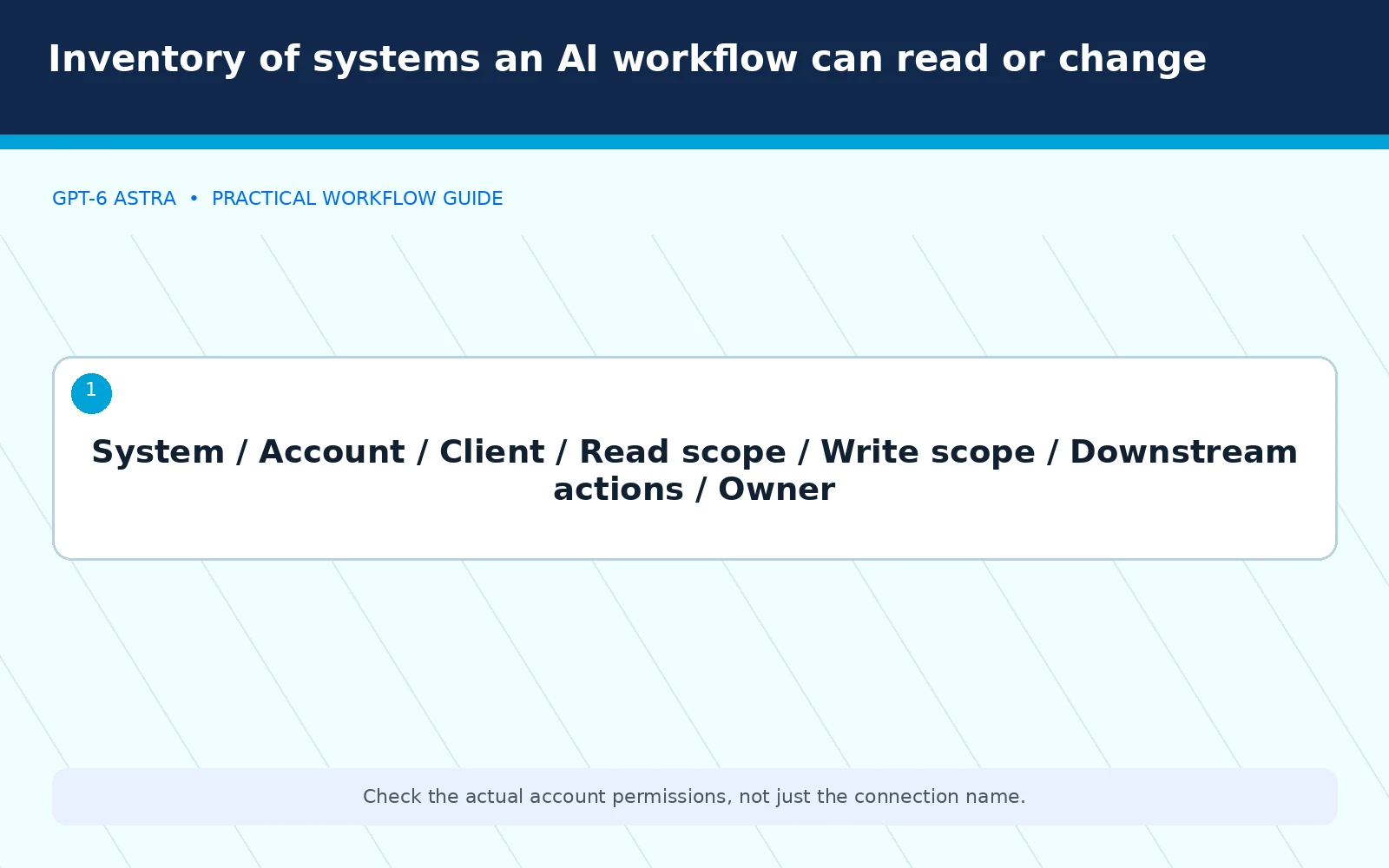
List the accounts, applications, folders, websites, and records the proposed workflow can reach. Identify whether each connection is read-only or can make changes. Include any downstream action that the connection can trigger.
A website editing account may expose more than article text. It may also control plugins, users, or global settings. A shared folder may contain information unrelated to the assignment. Review the actual permissions rather than relying on the account’s friendly name.
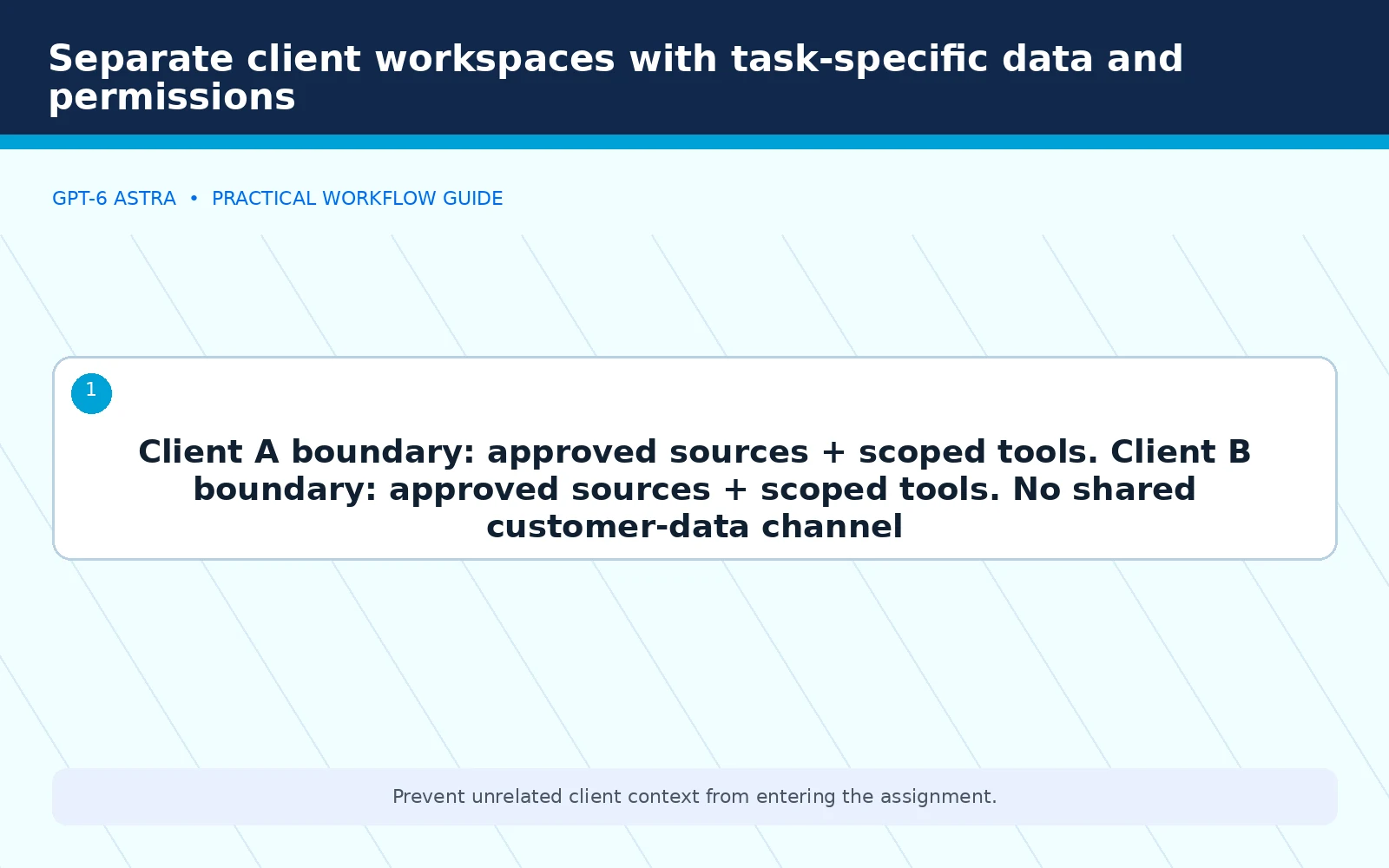
For an agency, make the client boundary explicit. The workflow should not have access to another customer’s material simply because the same employee manages both. Separate the working context and permissions wherever the implementation supports that separation.
Classify actions by their consequences
Create a small permissions matrix. Read-only inspection, internal drafting, reversible edits, external communication, spending, and destructive actions should not be treated as interchangeable. Assign an approval requirement to each category.
The classification should reflect the business impact, not just the technical action. Changing one sentence in a customer proposal may create a commercial commitment. Editing many lines in a private draft may be easy to reverse and carry less consequence.
For each allowed action, identify the owner and the evidence needed for acceptance. For each prohibited action, identify what the workflow should report instead. A useful policy describes both the boundary and the safe way to handle a blocked task.
Use limited access rather than broad trust
Grant only the access needed for the assignment. Prefer a scoped connection or limited account over an administrator session when it can complete the same work. Keep credentials outside prompts, reports, and public artifacts.
Enforce limits in the application where possible. An instruction saying “do not change the budget” is useful, but a read-only advertising connection creates a stronger operational boundary for an analysis task.
OpenAI’s computer-use documentation is relevant to the distinction between model instructions and the environment that executes actions. Our recommendation is to review both before calling a workflow controlled.

Keep preparation separate from approval
Allow a workflow to prepare a proposed change, then present the exact action for review. The reviewer should see the destination, affected records or pages, and any customer or financial commitment involved.
Avoid approving an undefined bundle. “Improve our marketing” should not authorize publishing new pages, changing campaign budgets, and emailing customers in one step. Break the request into work that can be inspected and accepted independently.
The marketing-agency workflow guide explains how this separation fits into delivery. Approval should stay close to the consequential action, especially when new information changes the task after the original request.
Treat external instructions as untrusted input
A document, webpage, or message encountered during a task may contain directions that conflict with the assignment. Those directions should not automatically override the business owner’s instructions or expand the workflow’s authority.
Require the system to identify the conflict and stop the affected action. It can report what it encountered without following the new instruction. Continue only with work that remains clearly within the approved scope.
Do not test this policy against unrelated third-party systems. Evaluate the workflow with controlled, benign examples in an environment the business owns or is authorized to use. The purpose is to validate the boundary, not to reproduce an intrusion.
Minimize the data used for the task
Supply the records needed for the assignment rather than the largest available collection. Remove unrelated personal or confidential information when it is not necessary for the output. Document which source is authoritative and which material is background.
Keep customer identifiers out of general editorial examples and public reports. Use aggregated or de-identified information where that still supports the decision. A marketing insight rarely requires exposing a caller’s phone number in a shared presentation.
Review the applicable product settings, contractual terms, and company obligations with the appropriate people. A broad statement about “AI privacy” is not enough to decide how a particular customer dataset should be handled.
Require evidence and a recovery method
Before an allowed change, identify how the prior state can be restored. For website content, that may involve a scoped export or revision. For a document, it may involve version history. The recovery method should be verified for the actual system.
After execution, require evidence of the resulting state. The computer-use operating guide explains why a successful click and a successful business outcome are different things. Logs should identify important actions and approvals without collecting unnecessary secrets or customer details.
A rollback plan should also identify who can authorize and perform it. An unattended document saying “restore backup” is not enough when no one knows which backup is current or what else restoration would affect.
Set clear escalation and stop conditions
Stop when the workflow needs broader access, encounters contradictory instructions, reaches its approved spending or retry limit, or cannot verify the final state. Do not reward repeated attempts that make the scope harder to understand.
The escalation should include the completed work, the blocker, the last verified state, and the smallest decision required. That makes it easier for a responsible person to resolve the issue without granting open-ended authority.
Review repeated escalations. They may show that the task is poorly defined, the source material is inconsistent, or the chosen tool is unsuitable. The solution may be a different process rather than more permissions.
Plan for an operational incident
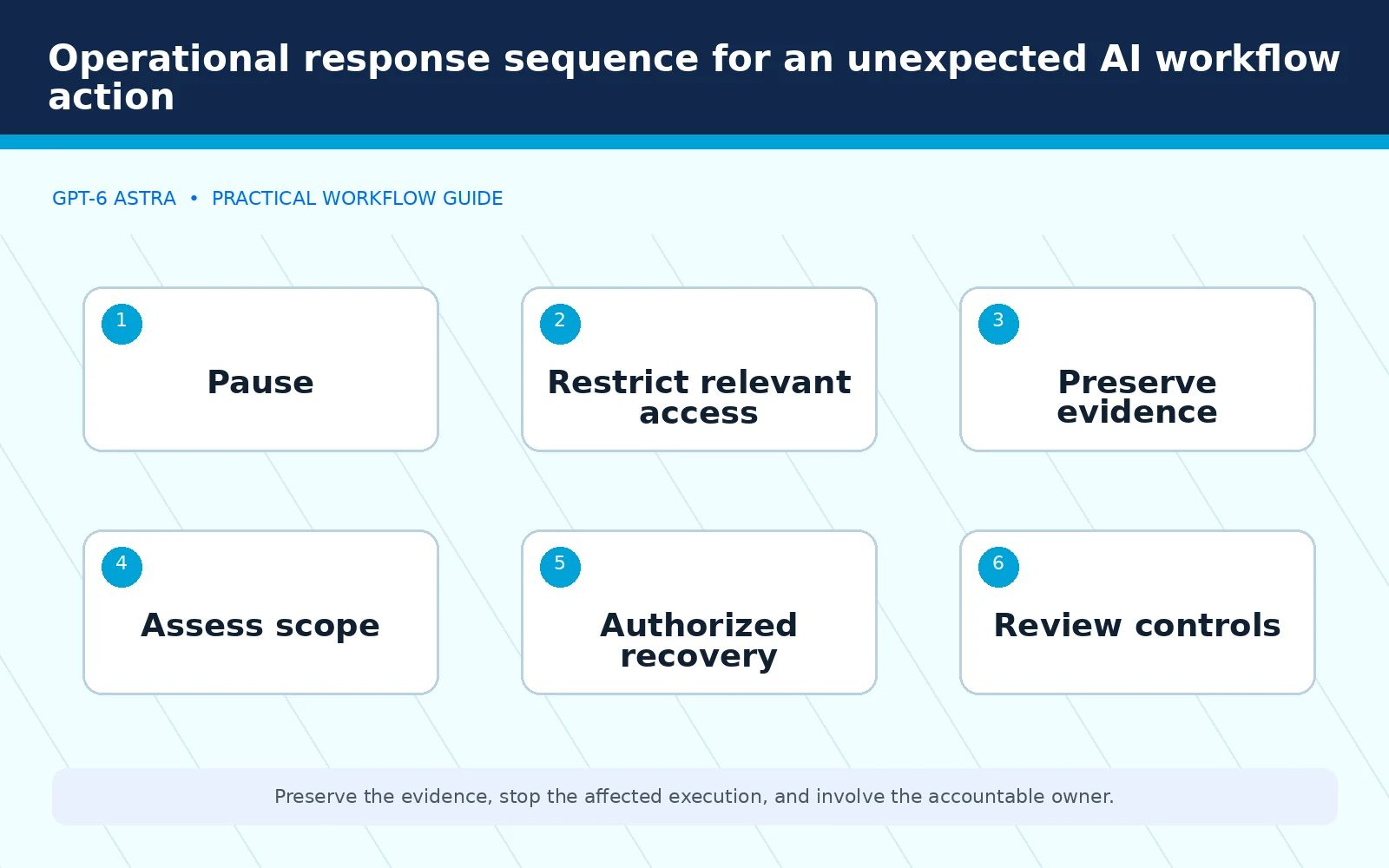
Write down who can pause execution, revoke the relevant access, preserve the necessary records, and assess the affected work. Keep the response proportionate to the event and involve security, privacy, or legal specialists when the circumstances require their expertise.
Do not instruct an agent to conceal a mistake, delete logs, or continue through an unresolved authorization problem. Preserve enough evidence to understand what happened and avoid repeating it. Customer communication should follow the company’s approved incident process.
After resolving the issue, update the task instructions, permission model, or acceptance checks as appropriate. An incident review should produce a concrete control improvement rather than a vague reminder to be more careful.
Key facts and risk boundaries
OpenAI’s Critical classification is a provider assessment under its Preparedness Framework. It is not a prediction of your integration’s safety. The safeguards a company implements around access, approvals, data, and recovery remain separate operational responsibilities.
The policies in this article are recommended controls, not evidence that a particular deployment has passed a security assessment. Validate them against the systems, permissions, and business commitments involved.
Frequently asked questions
Does stronger model alignment make business approvals unnecessary?
No. Approval rules govern the business’s authority and commitments. They should remain explicit even when a provider reports improvements in model behavior.
Should an agency give an AI workflow access to every client account?
Not by default. Scope access to the client and task, and use enforceable separation where available. Broad access is not a requirement for a useful pilot.
What should happen when a workflow cannot finish safely?
It should stop the affected action, preserve the last verified state, and report the blocker and required decision. It should not broaden permissions or conceal incomplete work.
What to watch
Review permission changes, unexpected sharing, repeated approval conflicts, missing action records, and recovery methods that have never been checked.
What to measure
| Measure | Control question |
|---|---|
| Authorization compliance | Did actions stay within the approved scope? |
| Evidence completeness | Can the final state and approvals be verified? |
| Recovery readiness | Can permitted changes be reversed safely? |
GPT-6 Astra safety should be built into the first useful workflow, not added after a business has delegated consequential actions. Keep access narrow, approvals explicit, evidence available, and recovery practical so capability does not outrun accountability.
Add AI without losing control of your growth system
Elite Web Professionals helps businesses build clearer website and marketing workflows with defined implementation and review standards. Start with a bounded business task and an accountable owner, then connect the tools only after the permissions and acceptance criteria are clear.
Sources
- Official safety source: OpenAI’s GPT-6 Astra safety overview.
- Evaluation details: GPT-6 Astra system card.
- Execution environment: OpenAI computer-use documentation.

 customersupport@advertisingbusiness.org
 (770) 874-6085