 (770) 874-6085


 770-874-6085
GPT-6 Astra website builder discussions should start with a distinction: producing a working website is not the same as designing a reliable customer acquisition system. A business still needs the right offer, information structure, trust signals, conversion path, and maintenance plan.
OpenAI’s Sites documentation describes a way to create and share websites and applications in ChatGPT. That capability is relevant to prototyping and delivery, but it is not a guarantee of a successful WordPress migration or stronger search performance. Those outcomes require their own implementation and verification.
The opportunity for agencies is to make production more capable without treating strategy as something the customer must supply perfectly. This article outlines our recommended process for turning an AI-assisted prototype into a business-ready website.
Get the business decision out of the prompt
A customer may ask for a modern website when the actual problem is that visitors do not understand the service. Another may ask for more animation when the real need is better proof and a clearer next step. The first request is useful context, not necessarily the final specification.
Translate the conversation into a short requirements brief. Identify who the site serves, what those customers need to understand, what action they should take, and which business facts are confirmed. Keep visual preferences separate from functional requirements.
The GPT-6 Astra overview explains the broader release context. For website work, the important shift is to make that brief precise enough that a faster build does not simply deliver the wrong experience more efficiently.
Establish one page for each useful intent
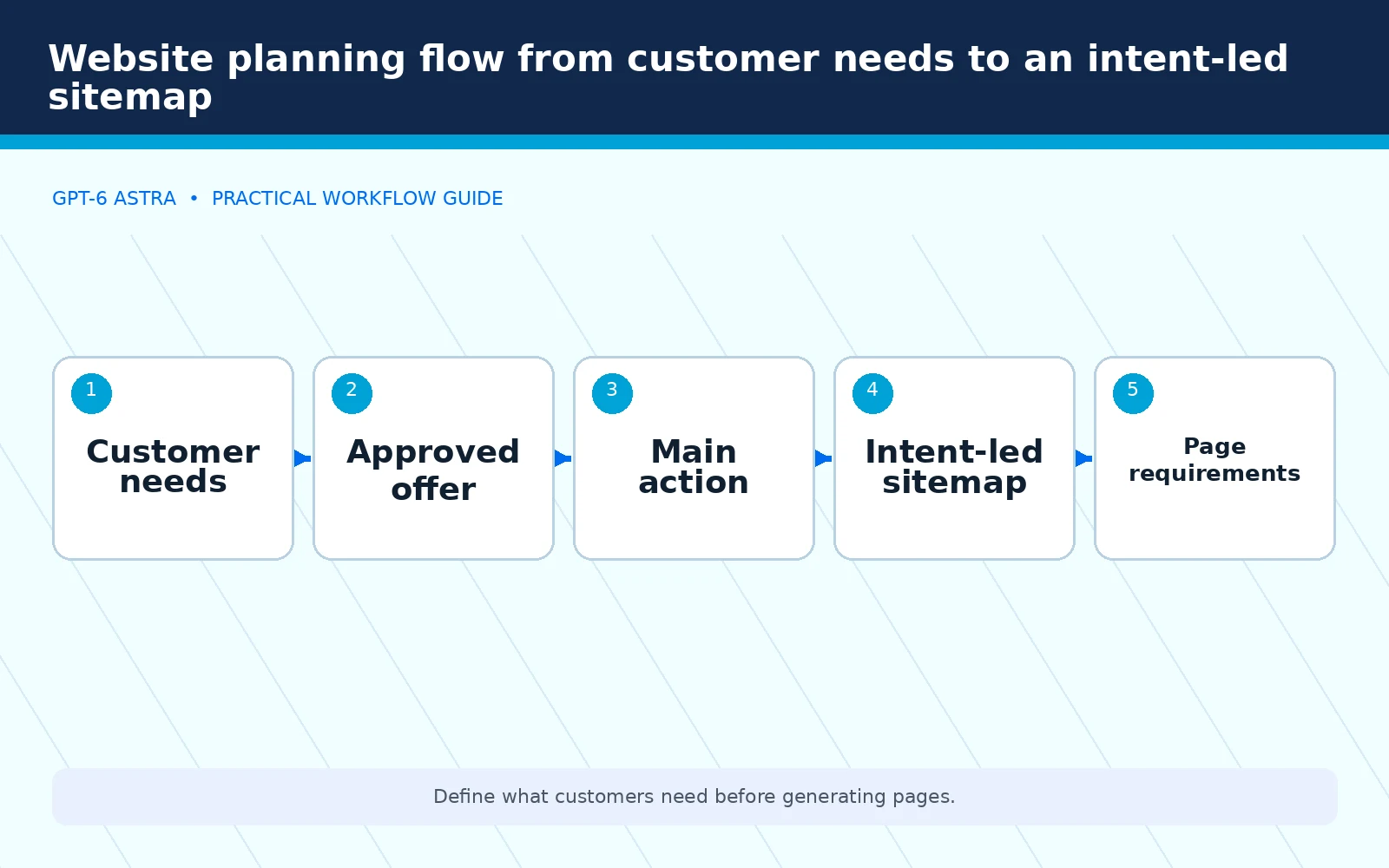
Before generating layouts, map the pages to customer needs. A service overview should explain the main offering. A detailed service page should answer the questions that affect that purchase. A contact page should make the next step clear.
Do not create separate pages merely because a tool can produce them. Ask whether each proposed URL serves a meaningfully different intent and whether the business has enough specific information to make it useful. Otherwise the project can create maintenance work without improving the customer journey.
For an existing site, inventory the important URLs first. Record the current content, traffic role where data is available, forms, and links. The inventory is a protection mechanism, not permission to change the URLs during a visual redesign.
Give the prototype a controlled design brief
Specify the brand palette, typography direction, imagery requirements, content hierarchy, and interaction priorities. Use approved company assets when available. When creating new visuals, distinguish an illustrative scene from an actual photograph of the company’s people, premises, or completed work.
Require real copy before evaluating the layout. Placeholder text hides whether the service explanation fits, whether the headline communicates the offer, and whether the page contains enough information to support a decision.
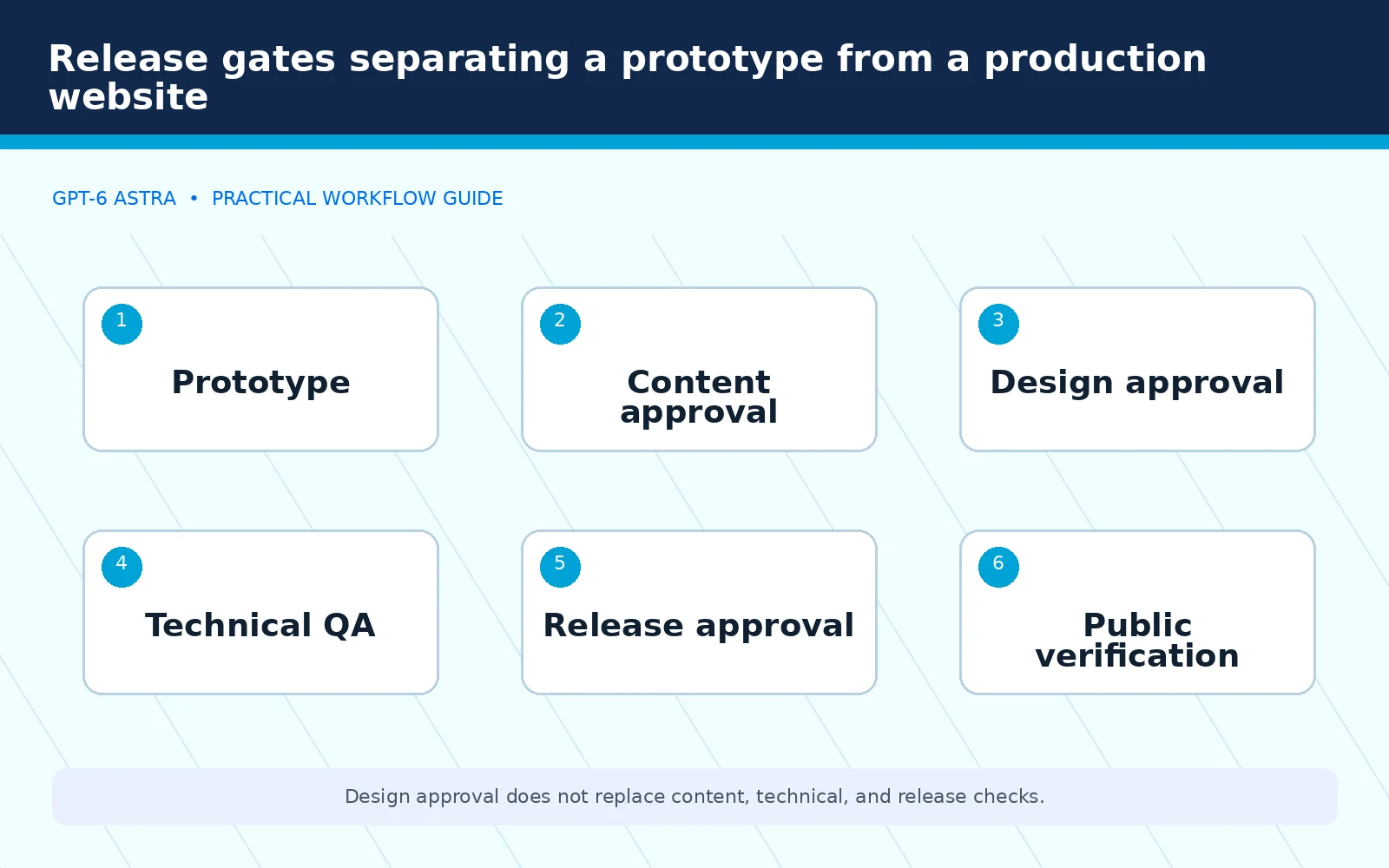
A prototype should help the customer react to something concrete. It should not quietly become the production site simply because the preview link looks convincing. Keep design approval, content approval, and release approval as separate decisions.
Protect the conversion path
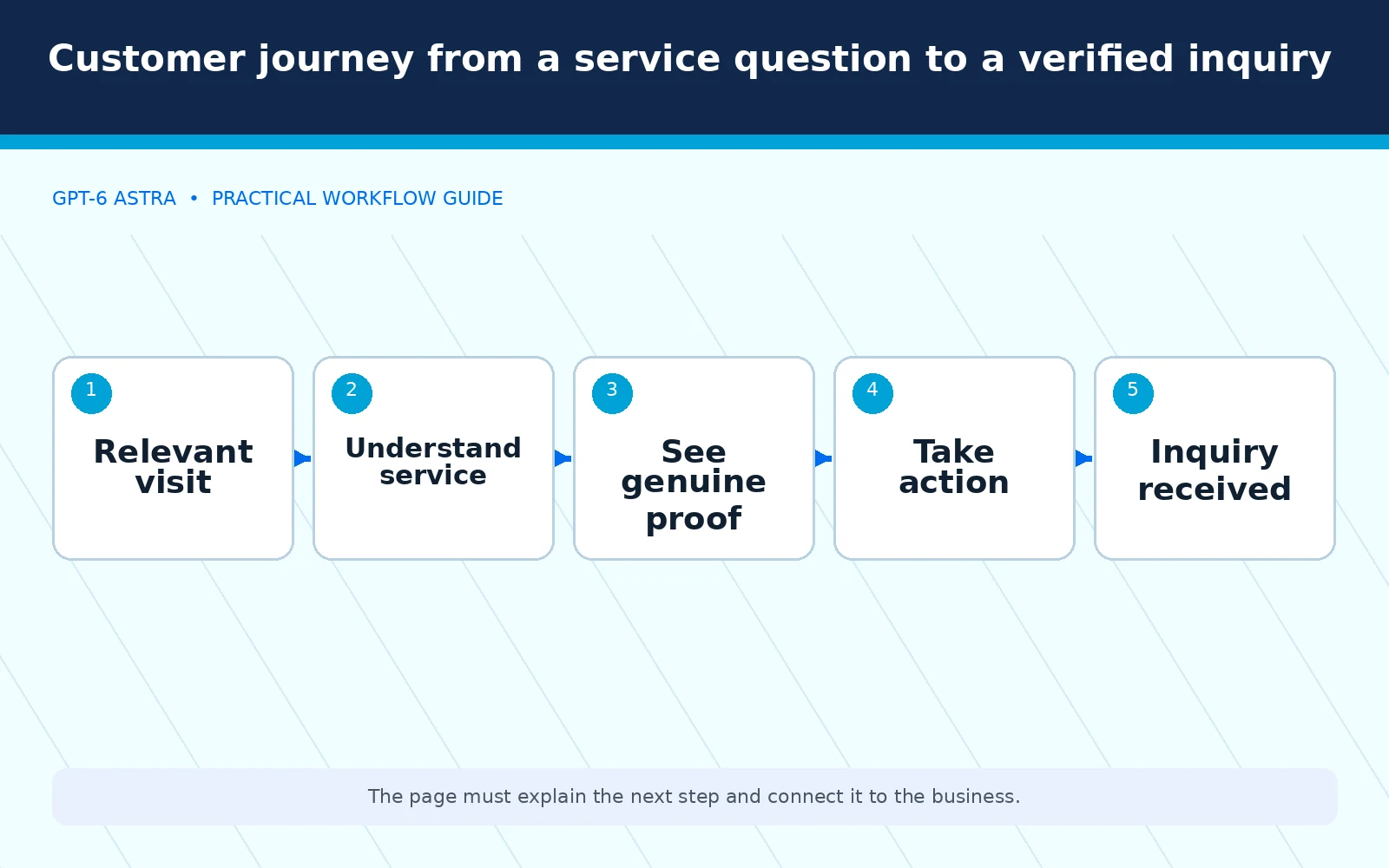
Choose the primary action for each page. A service business may need a call, a request for an estimate, or an appointment inquiry. The page should explain what happens after the customer takes that action.
Then remove ambiguity around the offer. Clarify service coverage, important limitations, relevant qualifications, and the information a prospect needs to provide. Do not invent a guarantee, approval, customer review, or pricing claim to make the design feel complete.
Our marketing-agency guide explains how this fits into a larger delivery process. A page should support the campaign and customer journey around it, not operate as an isolated visual exercise.
Choose the production environment deliberately
A hosted prototype and an established WordPress site have different operating requirements. Determine where the business will maintain content, who controls the domain, how forms are handled, and how backups and updates work. Make those decisions before a handoff.
Do not promise that one export automatically reproduces every feature in another platform. Inspect the target site’s template, content architecture, plugins, and integrations. Preserve the behavior the business already relies on unless a change has been explicitly approved.
For an Elementor-based publishing setup, a page that exists only as raw content may not match the expected frontend behavior. The implementation must follow the actual site architecture. This is a release requirement, not a cosmetic preference.
Preserve search signals during implementation
Keep approved URLs and canonical settings stable unless a separately planned migration requires a change. Verify the rendered title, description, headings, internal links, and indexability on the actual public page. Do not assume that a completed settings screen guarantees correct frontend output.
When considering AI search visibility, use Google’s AI features guidance rather than treating special markup as a shortcut. Our recommendation is to make the company’s information clear, supported, and accessible in the page content, then keep structured data consistent with it.
For help aligning website information with that goal, explore our AI search services. The business objective remains useful discovery and qualified inquiries, not a promise that a particular system will cite the page.
Test interactions, not just screenshots
Check the page at desktop and mobile sizes. Use the navigation, buttons, links, and forms. Confirm that important content is not hidden behind overlays or cut off by a narrow layout. Review readable text, meaningful link labels, and keyboard access as part of the acceptance process.
Test the actual inquiry path with authorization. Label test leads clearly, confirm where they arrive, and avoid counting them as genuine conversions. A successful on-screen message should be checked against the receiving system.
Performance also belongs in the release review. Inspect the size and loading behavior of images, unnecessary scripts, and layout shifts. Set a project-appropriate performance budget rather than adding visual effects without evaluating their cost to the experience.
Treat proof assets carefully
Use genuine customer proof where the business has permission to publish it. Preserve the meaning of reviews and case studies. An AI-generated customer story must not be presented as a real project or a verified testimonial.
For editorial or conceptual imagery, keep the distinction visible when it could otherwise mislead. A generated office scene can illustrate a topic; it should not imply that the company operates from that exact premises. Product interfaces should be real, current screenshots when the interface itself is the subject.
Require image filenames, accurate alt text, dimensions, and responsive behavior as part of delivery. These are small production details, but omissions often reveal that the build has not been reviewed beyond its first visual impression.
Before granting production access, use the Astra safety guide for permissions and recovery to assign approvals and a rollback owner.
Make the handoff usable by the next operator
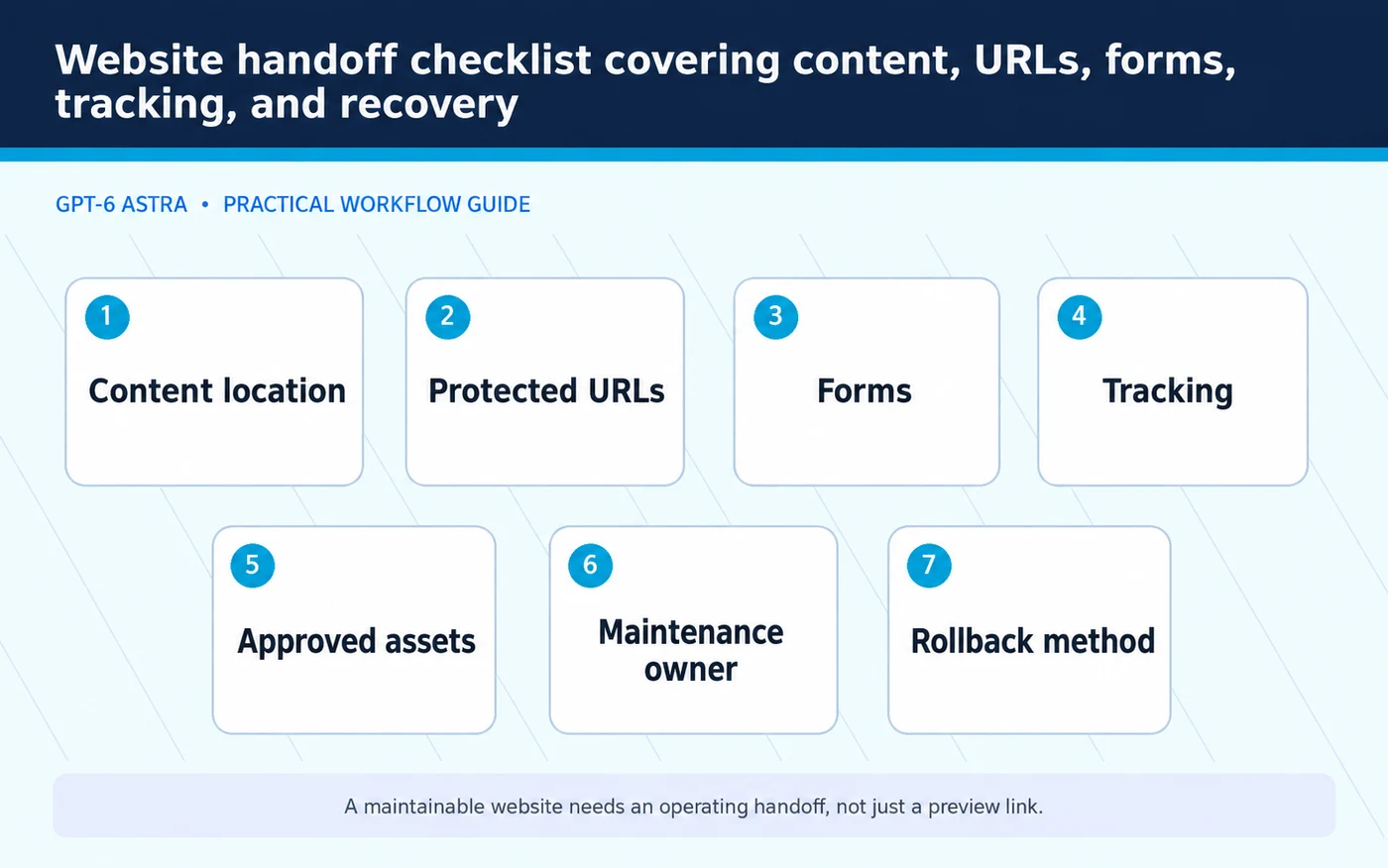
The final handoff should identify where content lives, how routine edits are made, which integrations are active, and what remains unresolved. Include the approved assets and a record of meaningful changes. Keep secrets out of the public documentation.
A business should not need to reconstruct the entire design conversation to maintain the site. The next operator should know which URLs are protected, which forms are connected, and how to verify that a change worked.
Set a rollback method before release and verify the public result afterward. A design is not complete because the builder says it deployed. It is complete when the approved experience works in the environment the business will actually use.
Key facts and production boundaries
Sites is a ChatGPT website and application capability described in OpenAI’s documentation. A prototype does not establish production readiness, WordPress compatibility, search performance, or conversion improvement. Those require project-specific checks.
The process in this article is an editorial production framework. It does not claim that Astra has completed a particular client site or that automation removes the need for strategic and technical review.
Frequently asked questions
Does AI website building remove the need for a designer?
It changes the production process. Businesses still need someone accountable for the brief, the customer journey, implementation quality, and the final experience.
Can a prototype replace an existing WordPress site immediately?
Not without checking the target architecture, content, URLs, forms, integrations, and maintenance requirements. Treat replacement as a controlled release or migration, not a visual copy operation.
What should a business approve before launch?
Approve the content, design, functionality, conversion path, protected URLs, and release scope. Require evidence that the public site matches those approvals.
What to watch
Watch for copied business facts, lost URLs, disconnected forms, incorrect public metadata, misleading imagery, and prototypes that bypass the site’s normal maintenance workflow.
What to measure
| Measure | Release purpose |
|---|---|
| Verified inquiry path | Confirms the customer can reach the business |
| Protected URL parity | Detects unintended search architecture changes |
| Mobile usability | Checks the experience beyond the desktop preview |
GPT-6 Astra website builder capability is most useful when it accelerates a well-defined production process rather than replacing it. Keep the strategy clear, protect the working parts of the site, and require proof that the final experience serves the customer.
Build a website that supports growth, not just a preview
Elite Web Professionals creates Growth Engine Websites that connect visibility, customer understanding, conversion, and measurement. Start with what your customers need to know and do, then use the right tools to build and verify that experience.
Sources
- Official product documentation: Sites in ChatGPT.
- Search guidance: Google’s AI features and website requirements.

 customersupport@advertisingbusiness.org
 (770) 874-6085